
RFIs that get answered
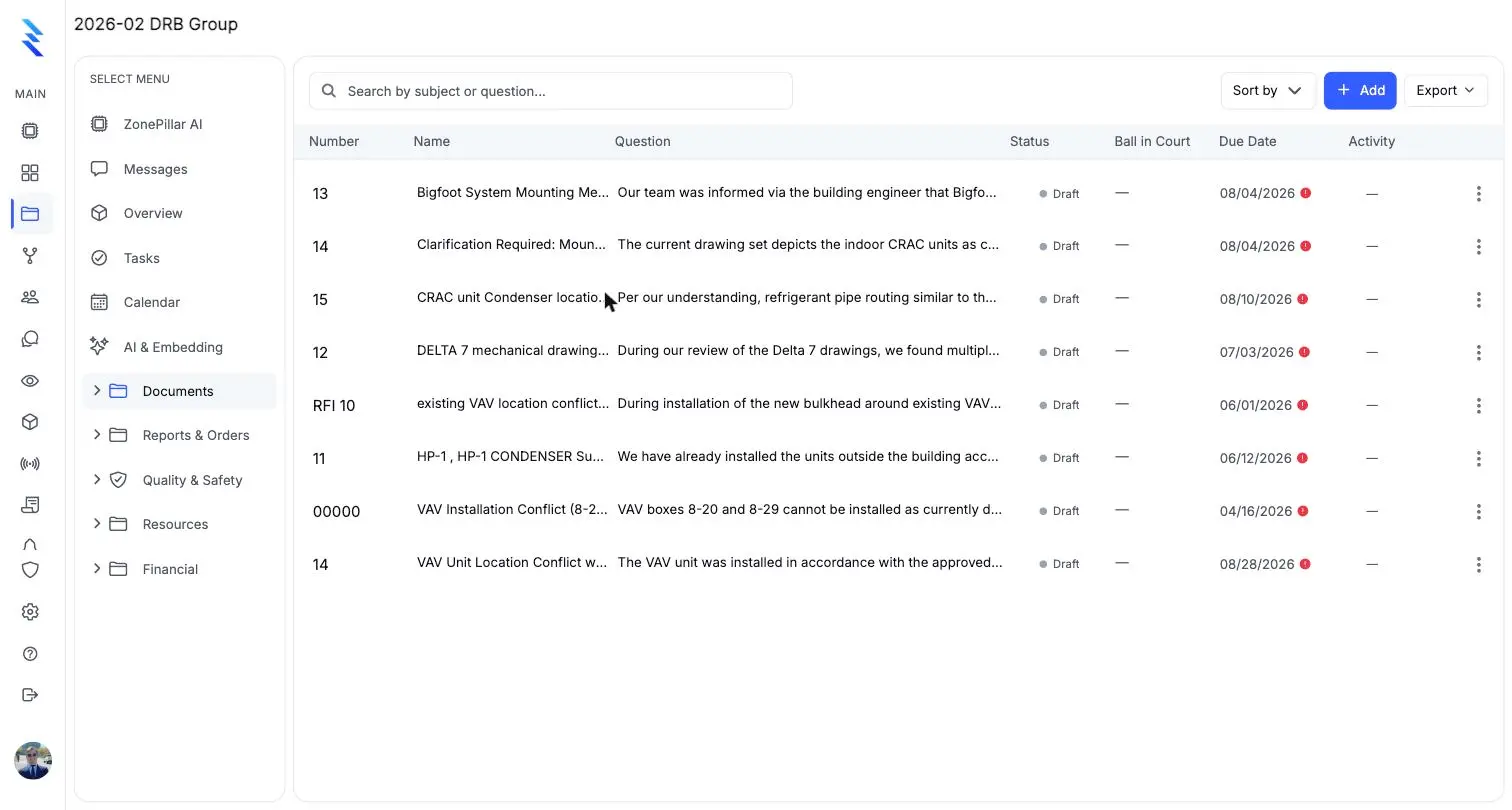
Create, email and track RFIs. Log the answer, revise and reissue, and close. Replies by email land on the thread with delivery status.
- RFIs
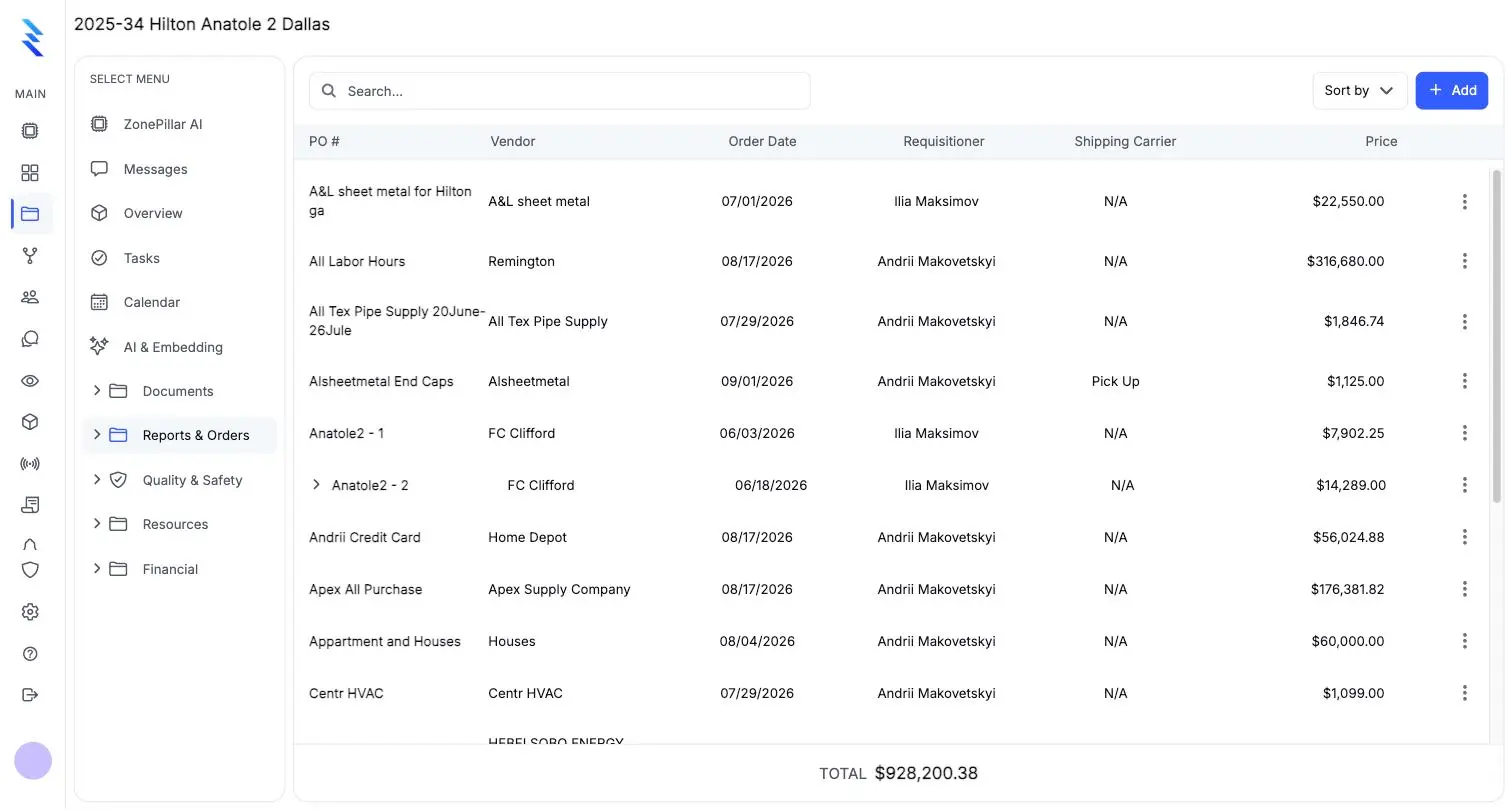
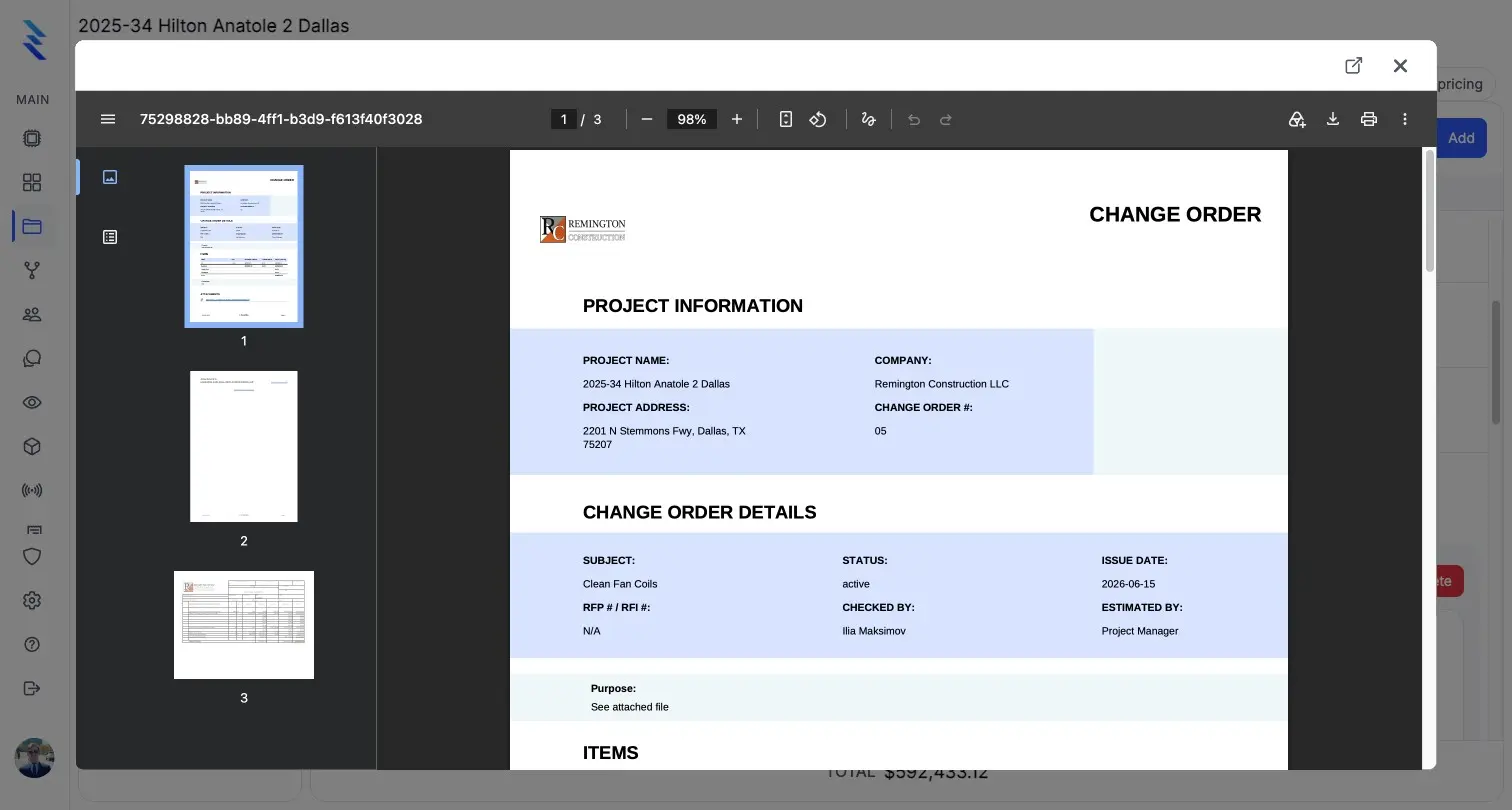
Every RFI, submittal, change order, work order and purchase order prints as a branded PDF, and the logs export as PDF, Excel or CSV.
Share an RFI by secure link. The architect reads it, comments and answers, and the answer lands on the thread.
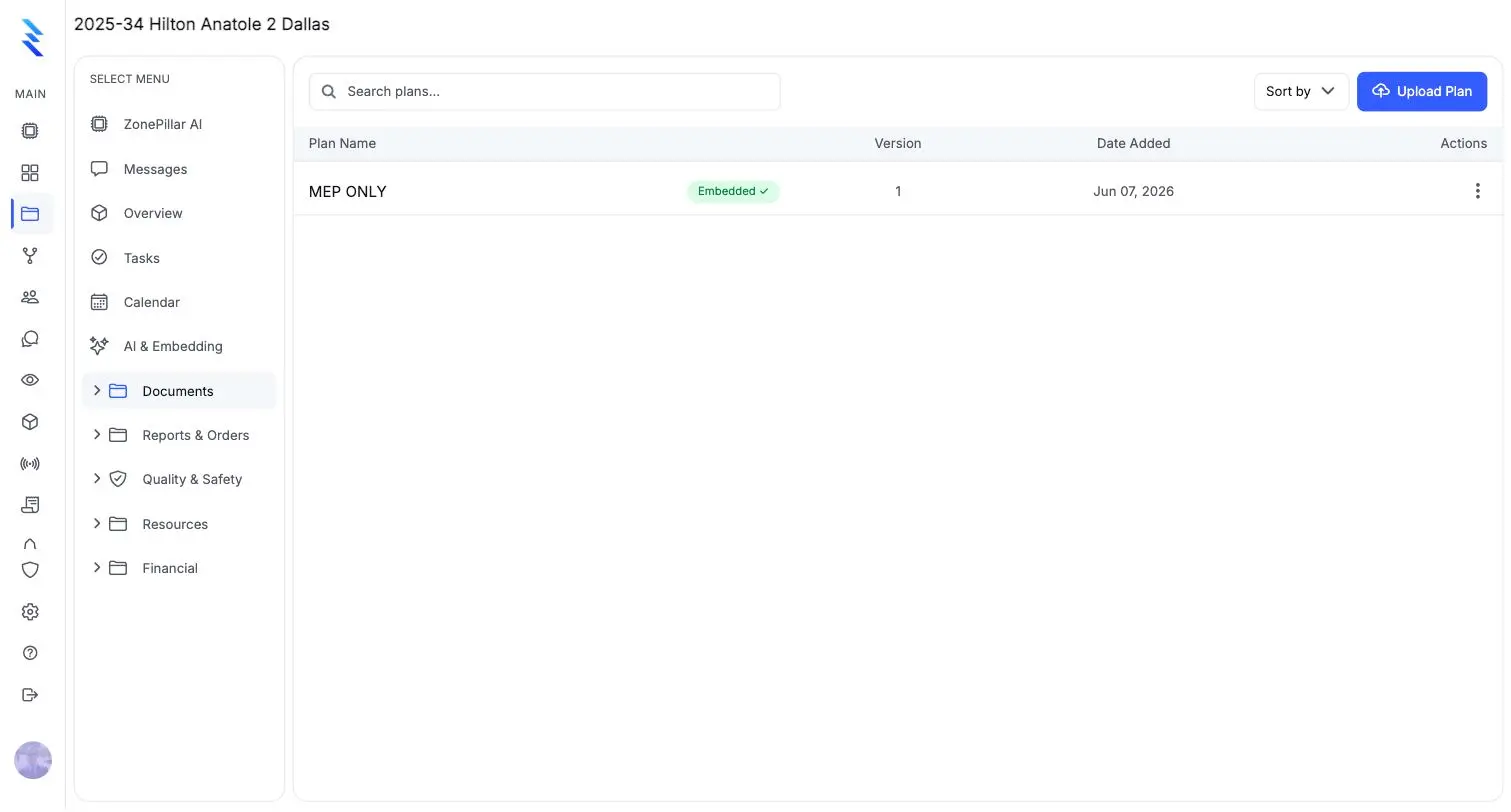
Upload a plan set and every sheet is named from its title block, so anyone can search and jump to the right drawing.
Create, email and track RFIs. Log the answer, revise and reissue, and close. Replies by email land on the thread with delivery status.
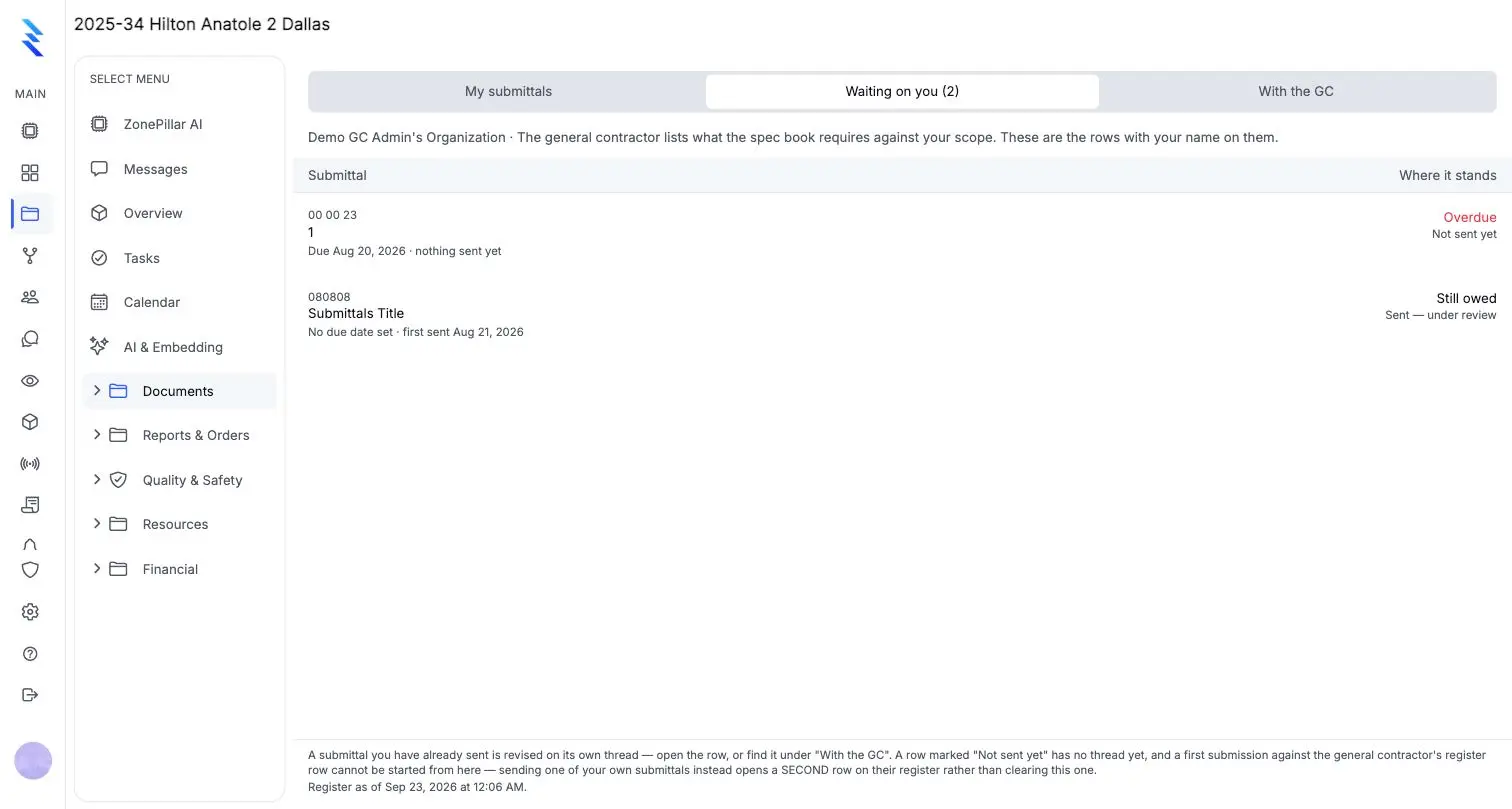
Submit, log each review response and keep every revision. Field staff see approved submittals only, so the crew never builds from the wrong one.
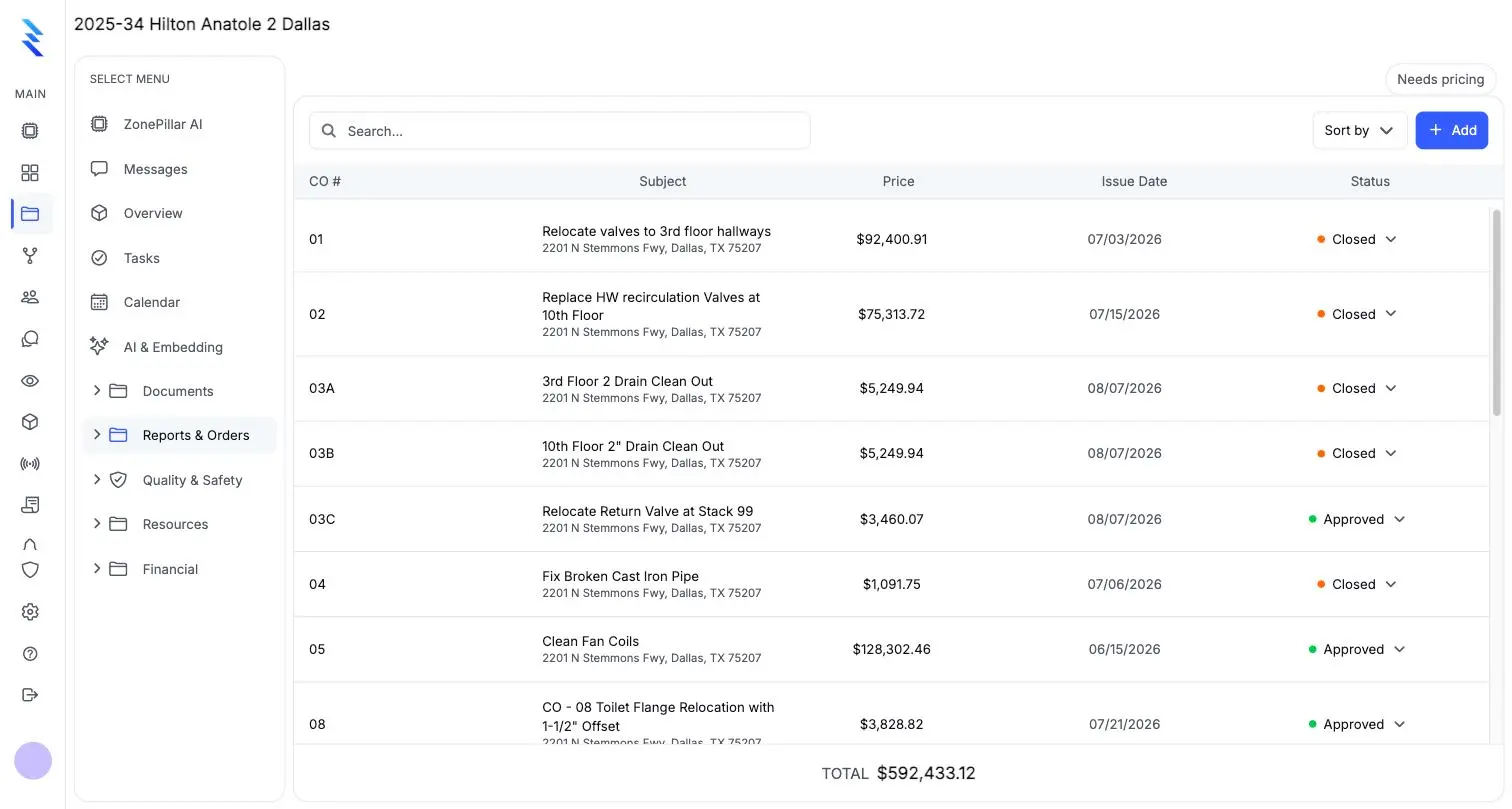
Material and labor lines with live totals. A signed work order becomes a draft change order, and active change orders flow into your pay application.
Print any document as a PDF with its attachments. Export the RFI and submittal logs whenever the GC or the owner asks for them.
View drawings on any device. Mark up with pens, shapes, clouds and text, and link a markup to tasks so its color follows their status.
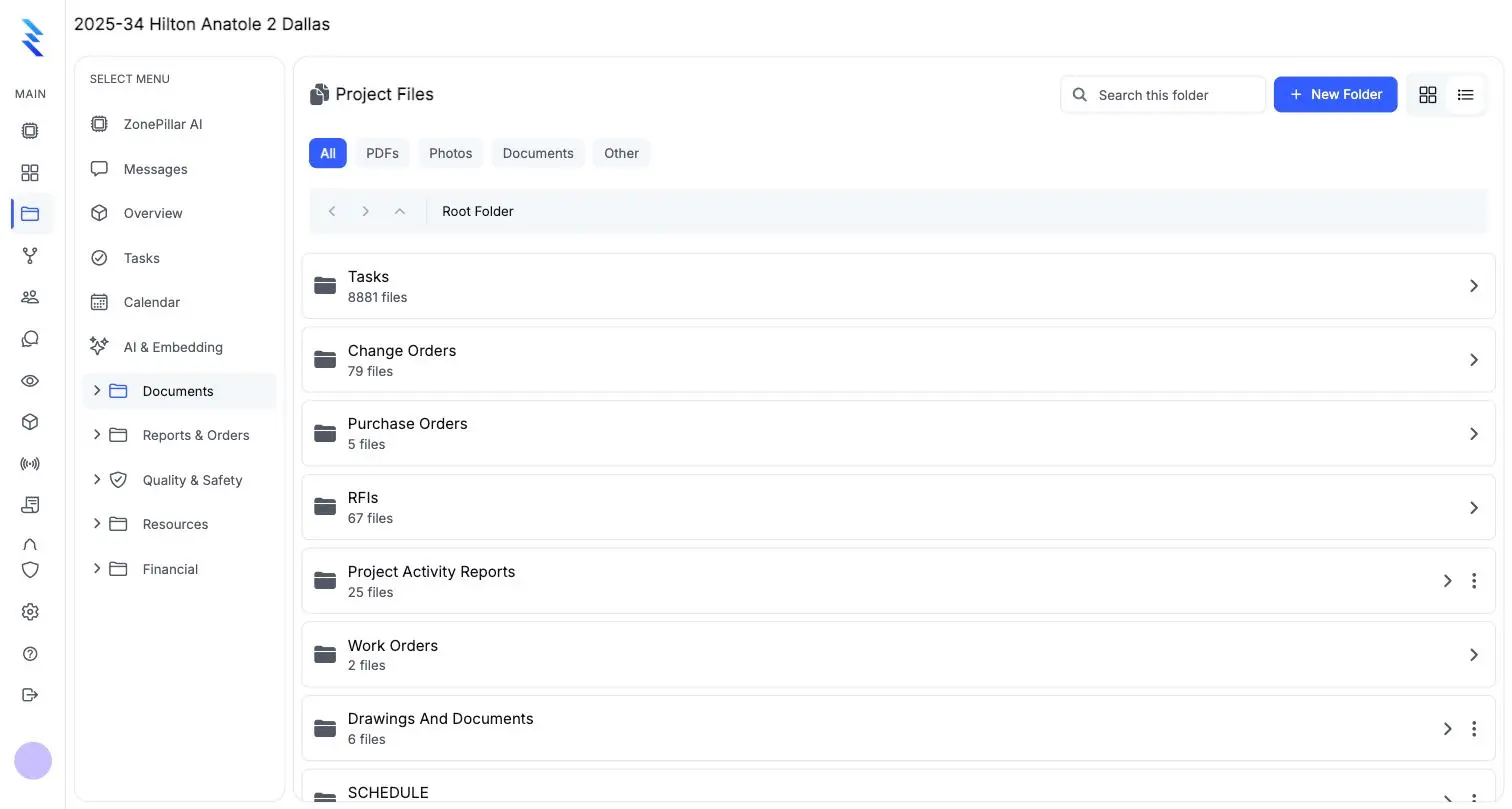
A file tree with folders for every record type plus your own. Keep key files on a phone or tablet for offline use, and attach any file to any document.
Each area has its own page. The same record runs through all of them.
The work, the crew and the hours.
Explore 18 featuresConnect the field to the money.
Explore 9 featuresCompanies connect on ZonePillar and work from the same information. Each company keeps its own data and chooses what to share.
Explore 6 featuresAsk your projects anything.
Explore 6 featuresSensible defaults, then control per person.
Explore 6 features
Book a walkthrough with our team. We set up your first project with you and train your crew to run it.
Copyright © 2026 ZonePillar, All Rights Reserved
