
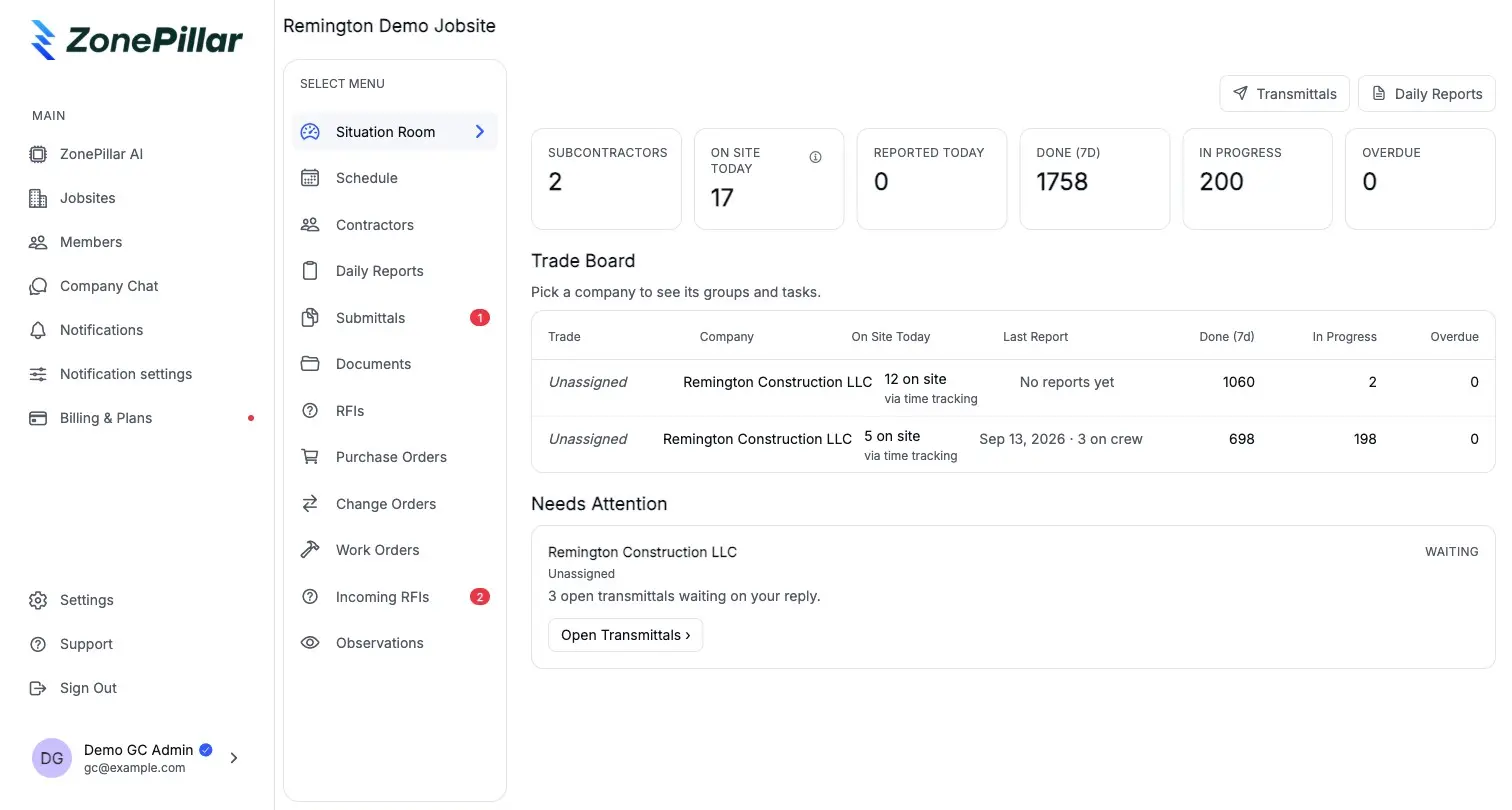
Invite, link and control sharing
A GC invites companies to a jobsite by email. The sub links its own project, an engineering firm picks its discipline, and every company decides what it shows.
- Invite & link
- You control sharing
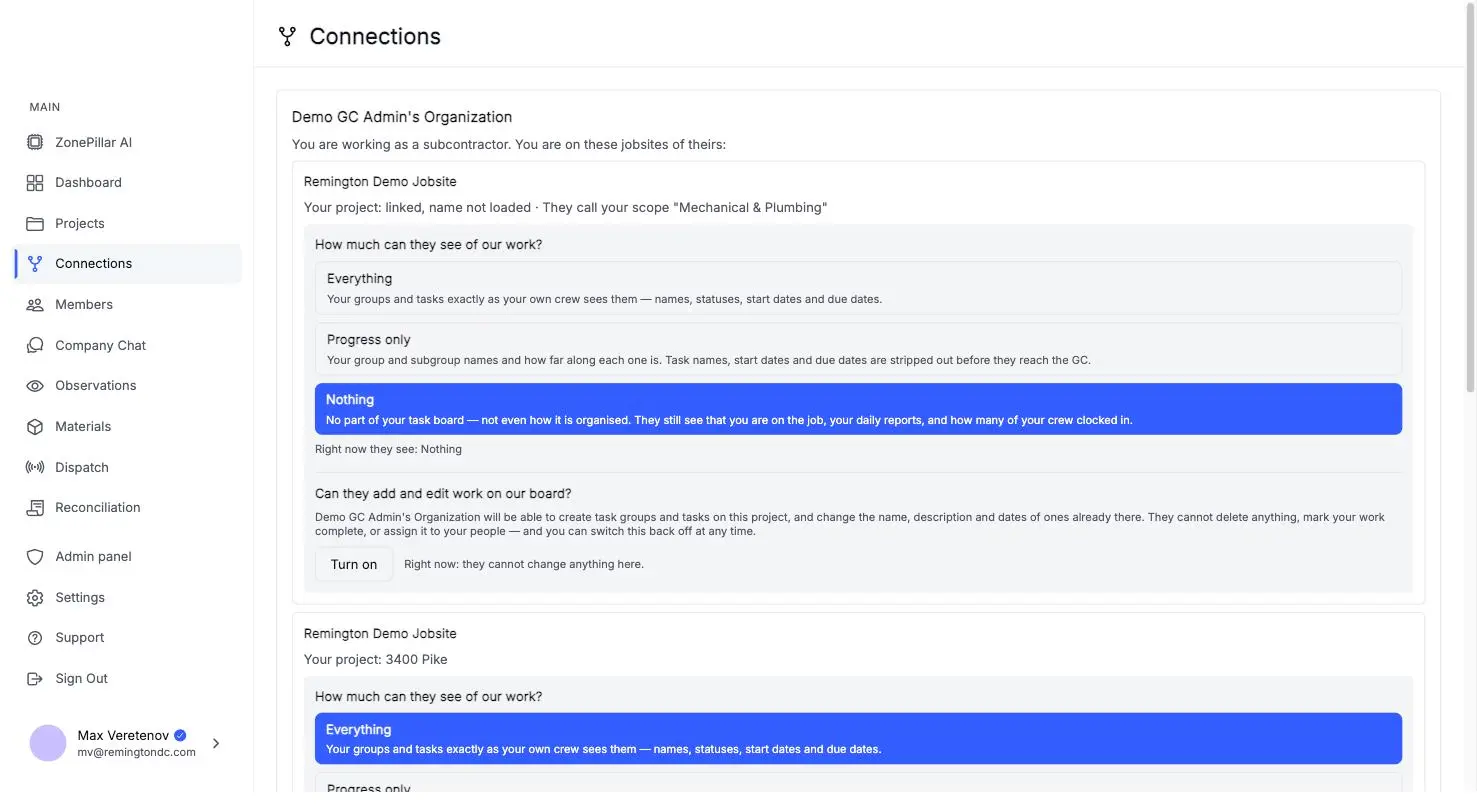
The sub's project stays the sub's. Linking it to a GC jobsite shares a view, not the records.
Everything, progress only, or nothing, and whether the GC may add work to the board.
A GC answers an RFI or routes it to an engineer. The answer lands on the sub's own thread.
A GC invites companies to a jobsite by email. The sub links its own project, an engineering firm picks its discipline, and every company decides what it shows.
For each jobsite: companies linked, crew on site today, who reported, tasks in progress and overdue, and who has gone quiet.
Contractors on site
Meridian Tech Hub
Apex Mechanical
12 on site, reported
Brightline Electric
9 on site, reported
Summit Drywall
0 on site
Northline Engineering
Reviewing 2 submittals
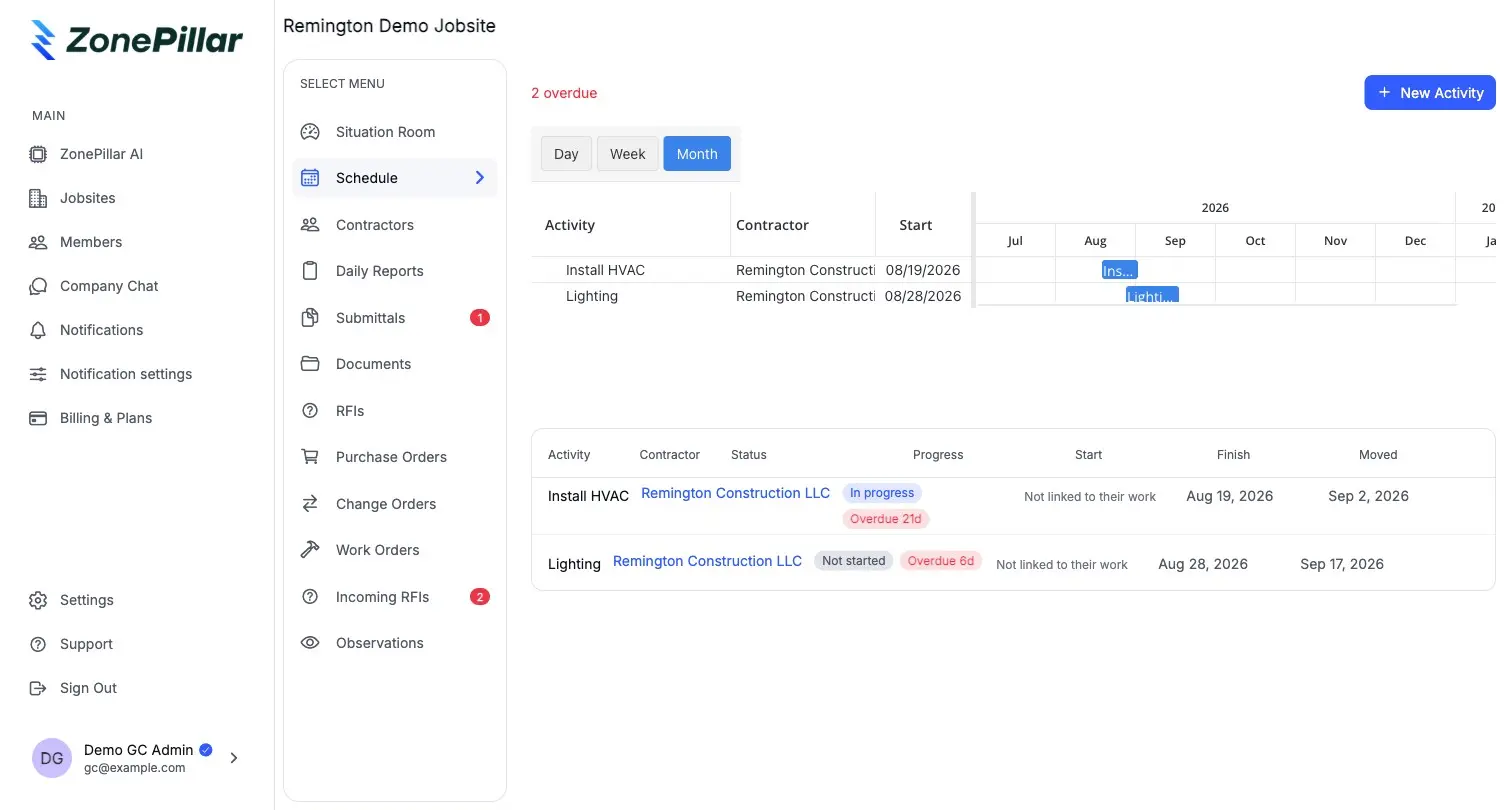
Create the jobsite from an MS Project or Primavera schedule, assign activities to subs, track every slip, and measure progress from the subs' own tasks.
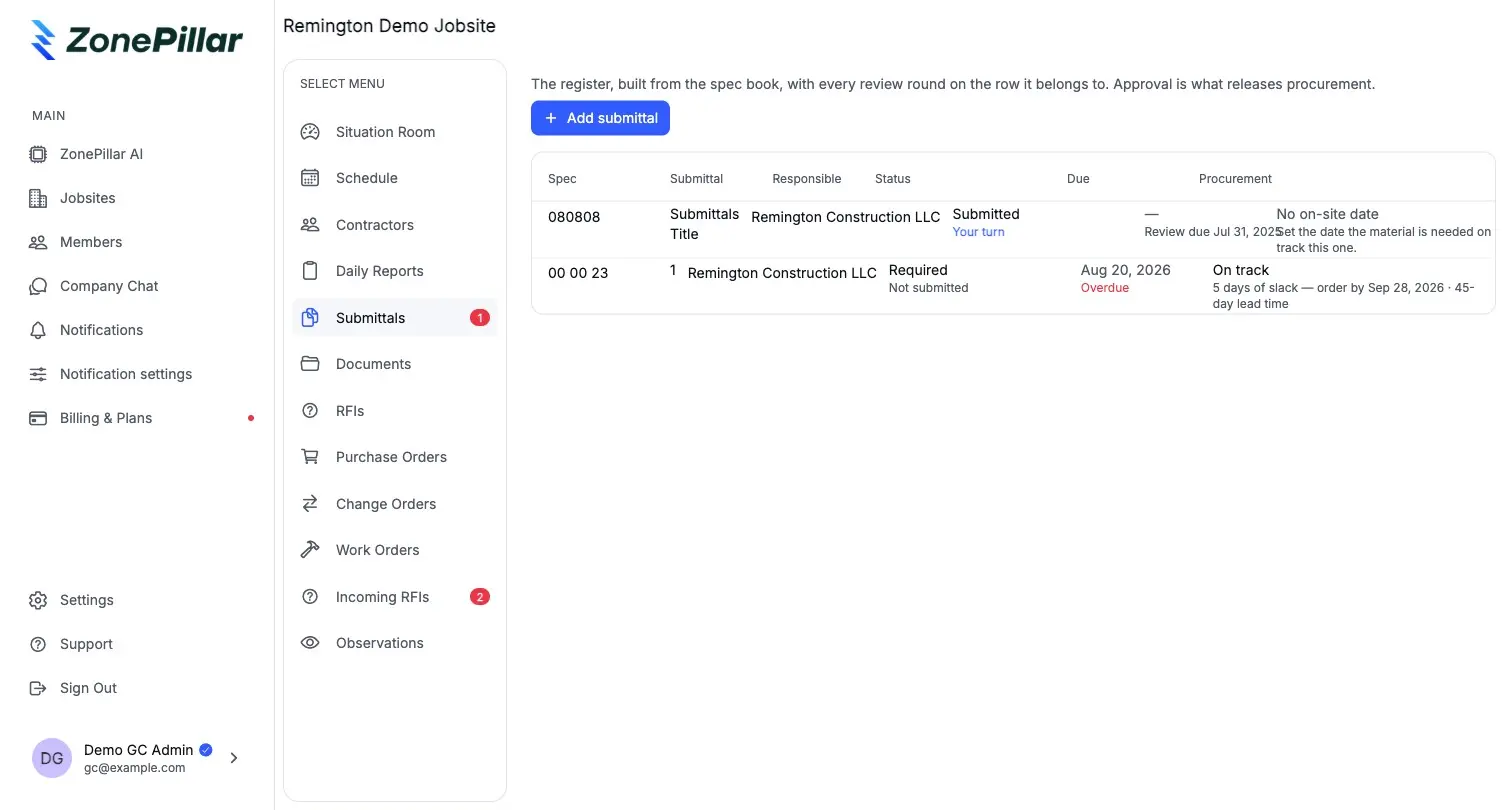
A submittal register that shows what blocks procurement. Subs submit and send RFIs, the GC answers or routes to an engineer, and the engineer responds with a stamp. Every exchange is a tracked thread.
Each area has its own page. The same record runs through all of them.
The work, the crew and the hours.
Explore 18 featuresEvery record, one place, ready to send.
Explore 9 featuresConnect the field to the money.
Explore 9 featuresAsk your projects anything.
Explore 6 featuresSensible defaults, then control per person.
Explore 6 features
Book a walkthrough with our team. We set up your first project with you and train your crew to run it.
Copyright © 2026 ZonePillar, All Rights Reserved
