
Try ZonePillar in two minutes
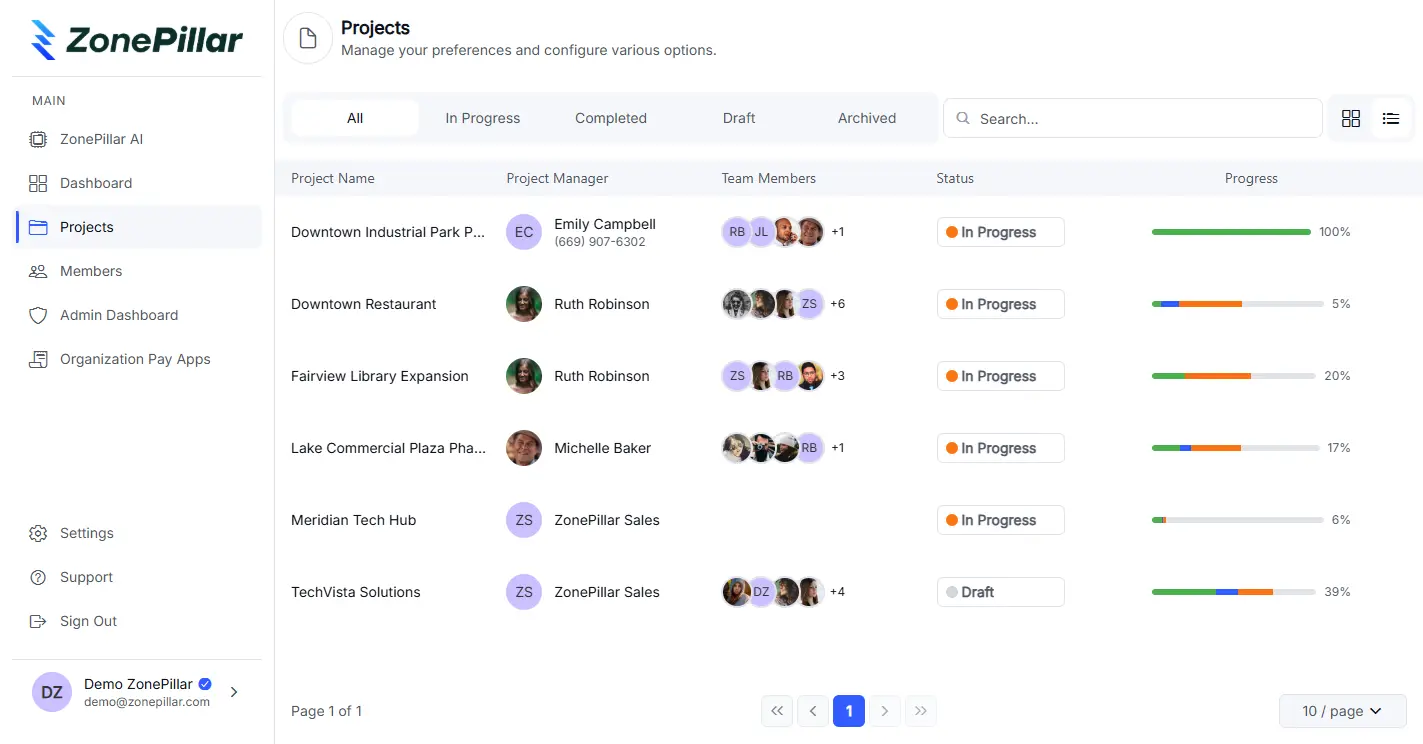
No signup. Click through the real app: clock in on the phone, finish a task with a photo, send the daily report, ask AI about the drawings, draft an RFI and run a takeoff.
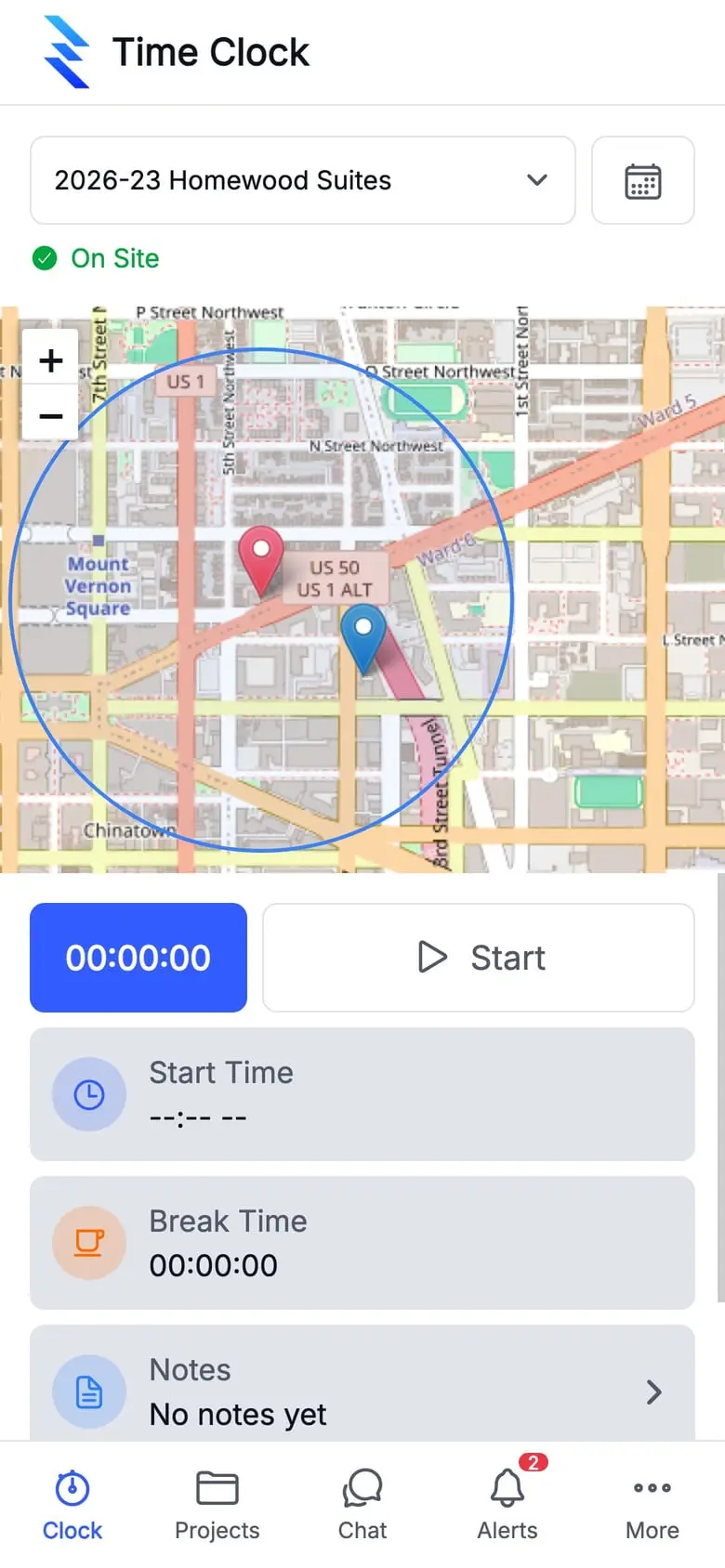
Step 1 of 6 · Clock in on site
The foreman opens the time clock on the jobsite. The phone is inside the geofence, so it shows On Site and lets them start.
Real screens from the ZonePillar app. People’s names and contact details are changed.
See it on one of your own projects.
Bring a job you know well, its drawings, its crew and its paperwork, and see it in ZonePillar. We set up your first project with you and train your crew to run it.