An eSUB alternative

Comparing eSUB? See how ZonePillar runs a commercial sub.

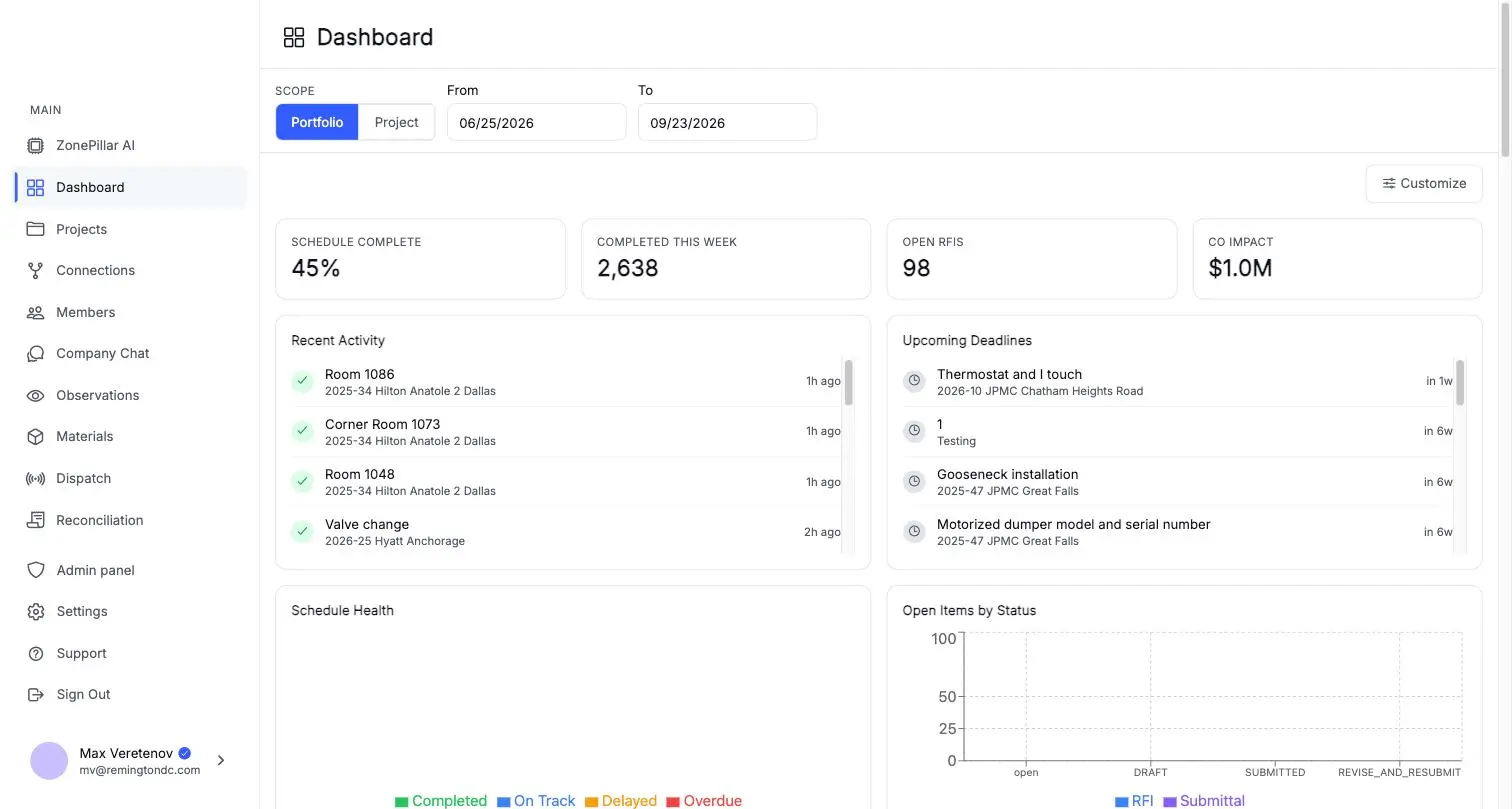
eSUB and ZonePillar are both built for commercial trade contractors. Here is what ZonePillar puts on one record, and the questions worth asking any vendor before you switch.

An eSUB alternative

Questions to ask any vendor, including us

Check these against your own jobs before you move. ZonePillar's answer to each is yes.

  • Does the field app keep working with no signal, and show what is waiting to sync?
  • Can you require a photo before a task counts as complete?
  • Does a signed work order become a change order that lands in the pay application?
  • Can you scan material onto a shelf and see stock by job before you buy more?
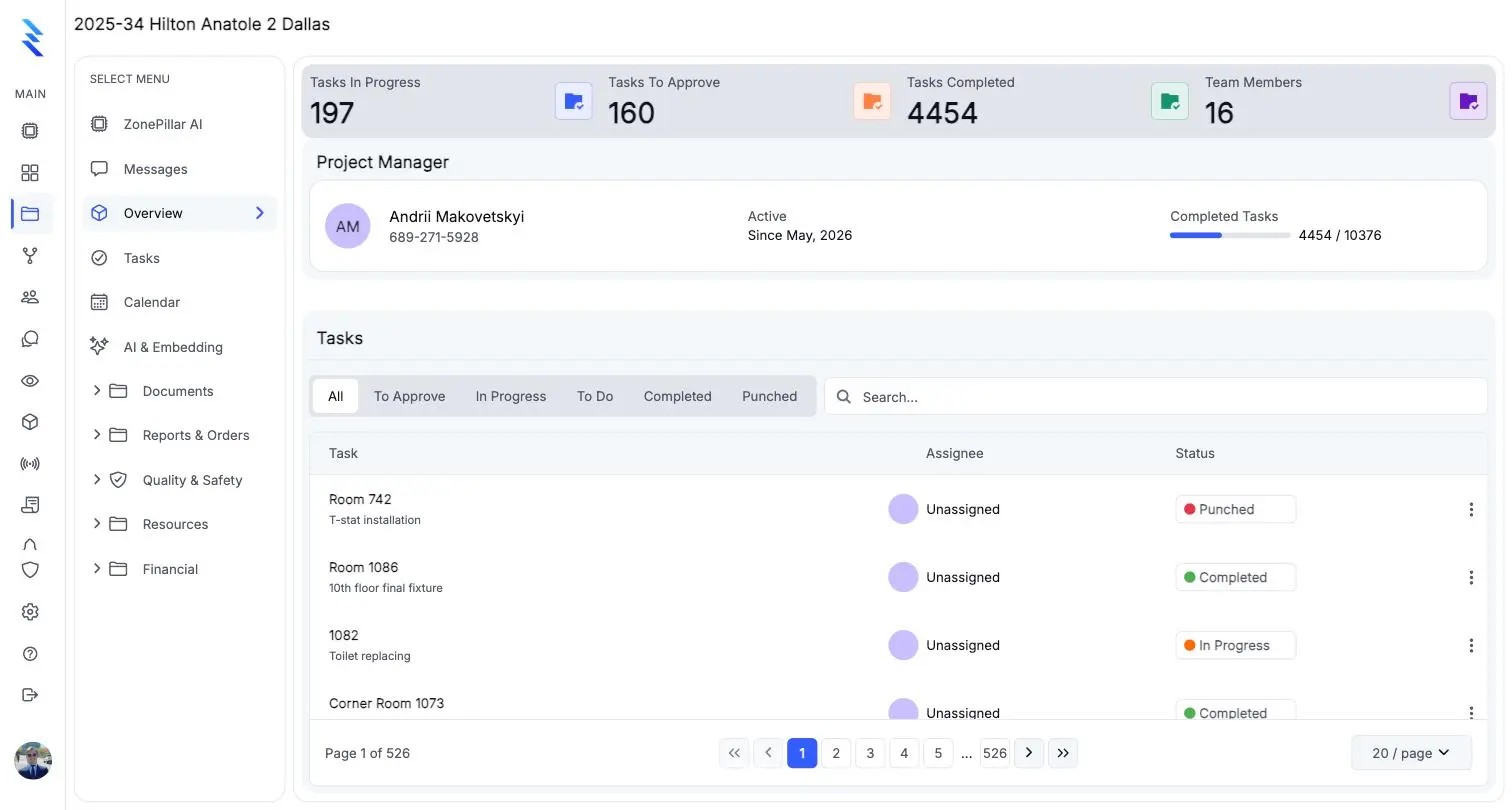
A project overview with task counts, the project manager and the task list

Field and office on the same record

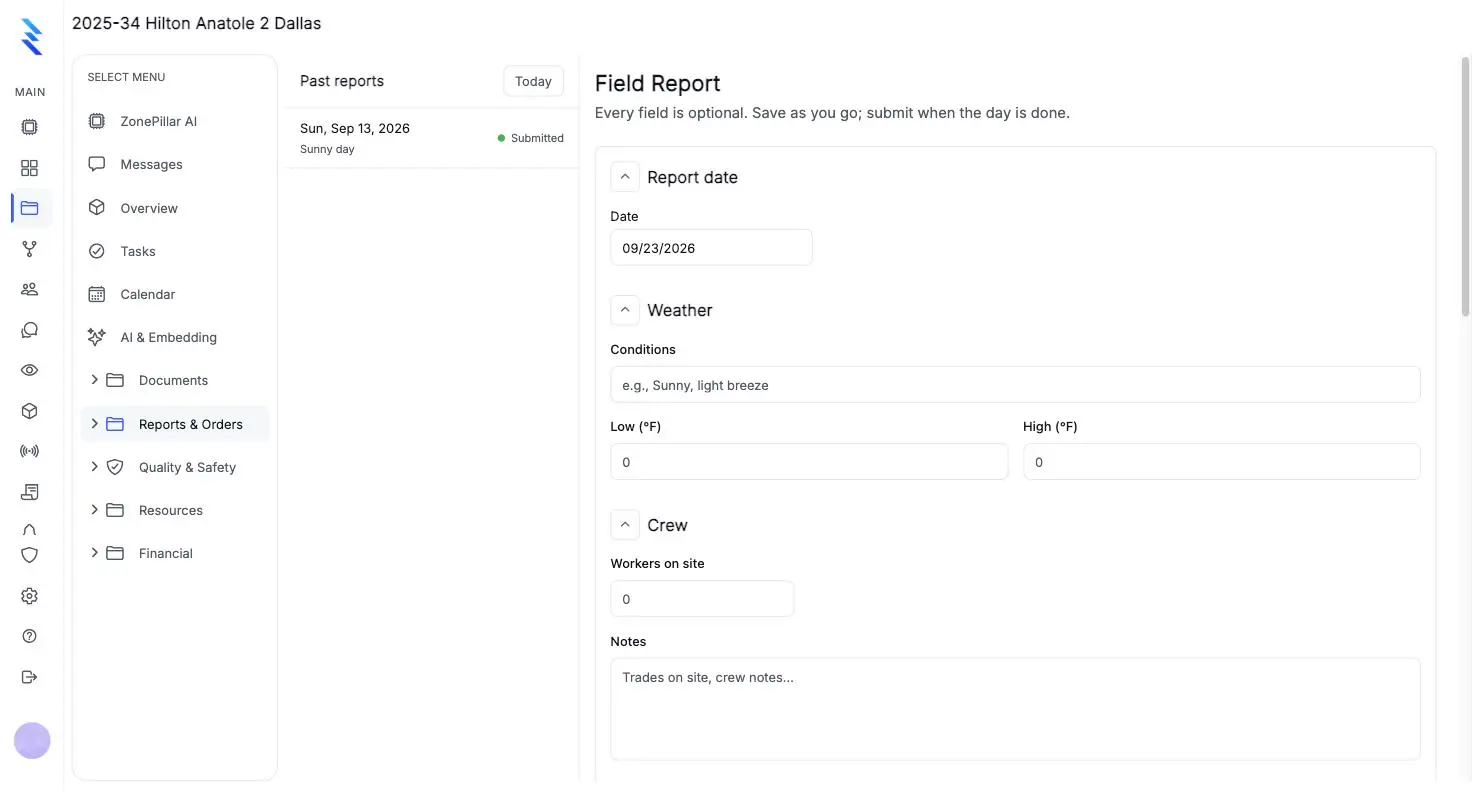
The crew's tasks, photos and hours become the daily report, the timesheet and the pay run without anyone retyping them.

  • Task trees by floor, room or area, with proof-of-work photos
  • A GPS time clock with geofenced jobsites
  • Daily report PDFs sent straight to your GC
A field report form with date, weather and crew sections

Bring your history with you

Start from what you already have instead of typing it in again.

  • Import task lists and estimates from Excel
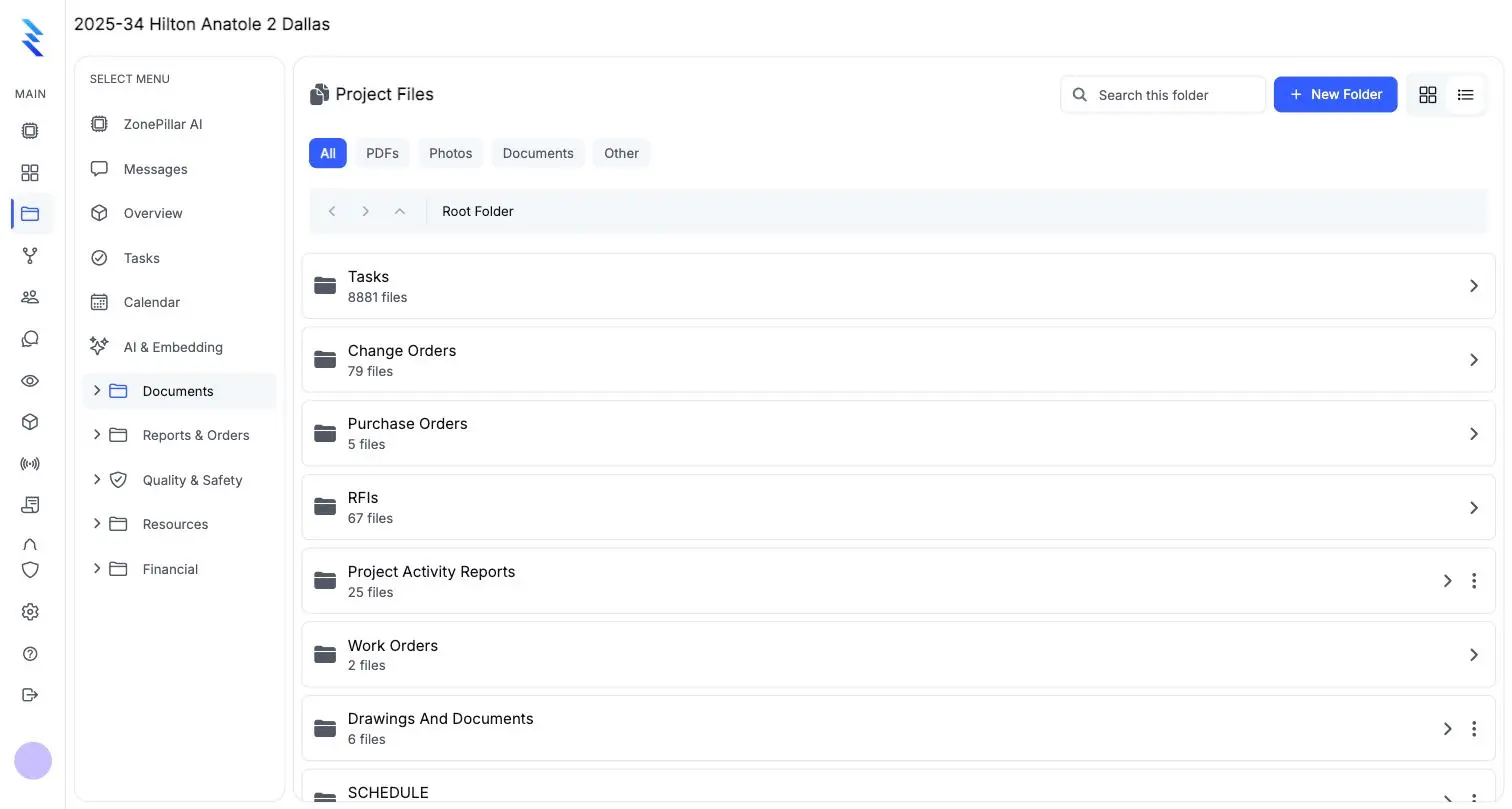
  • Bring projects, RFIs, change orders, purchase orders, work orders and submittals across from Procore
  • Export a job-cost journal for your accounting
Project files organized in folders by record type

See it on one of your own projects.

Bring a job you know well, its drawings, its crew and its paperwork, and see it in ZonePillar.

Decorative grid background

Ready to Transform Your Construction Management?

Book a walkthrough with our team. We set up your first project with you and train your crew to run it.

Copyright © 2026 ZonePillar, All Rights Reserved