GPS time clock

Construction time clock with geofences, offline clock-in and payroll.

Crews clock in on their phone, even offline. Require a location or an on-site geofence, close forgotten shifts automatically, see routes and time on site, and move hours to the right job before payroll.

GPS time clock

Clock in where the work is

Require a location or an on-site geofence, and let the crew add breaks and notes from the phone.

  • Geofences drawn around each jobsite
  • Clock-ins, breaks and notes work offline
  • Shift reminders and schedule-change alerts on the crew's phone
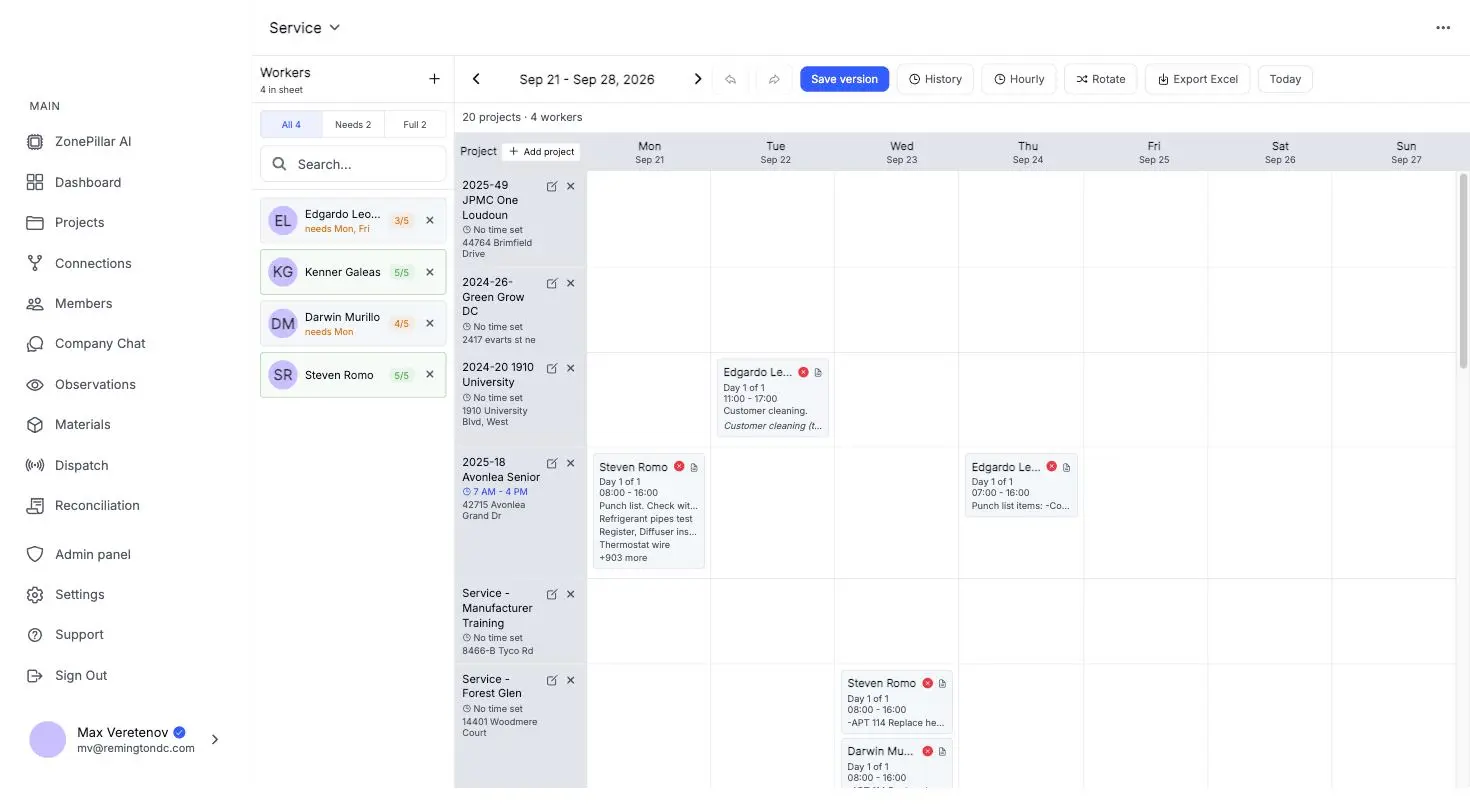
The crew schedule for a week, workers booked onto projects by day

Hours on the job that earned them

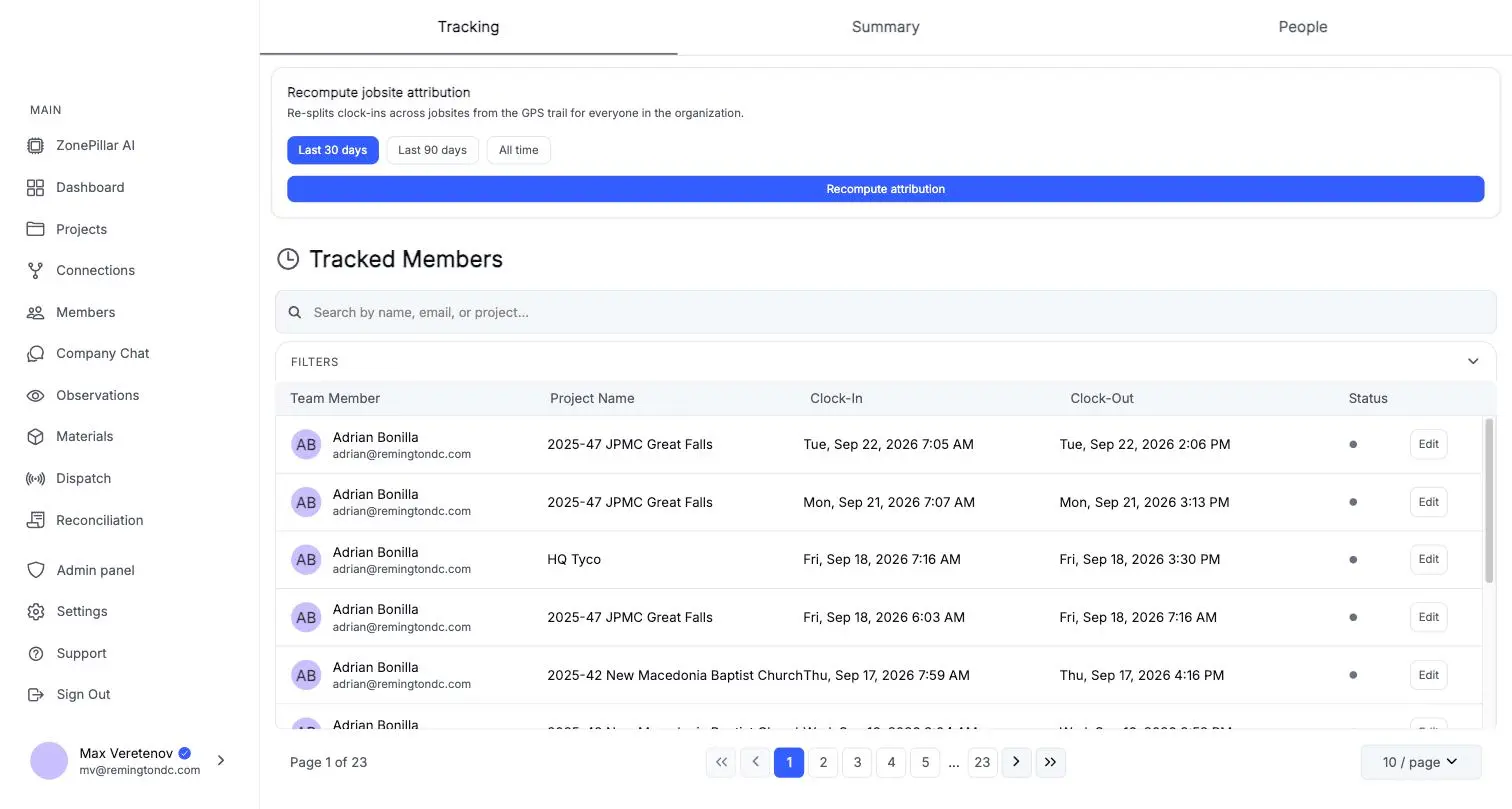
See each worker's route and time on site, and move hours to the right job before payroll.

  • Routes and time on site per worker
  • Move hours to the right job when needed
  • Crew scheduling by day or week, by project or by person
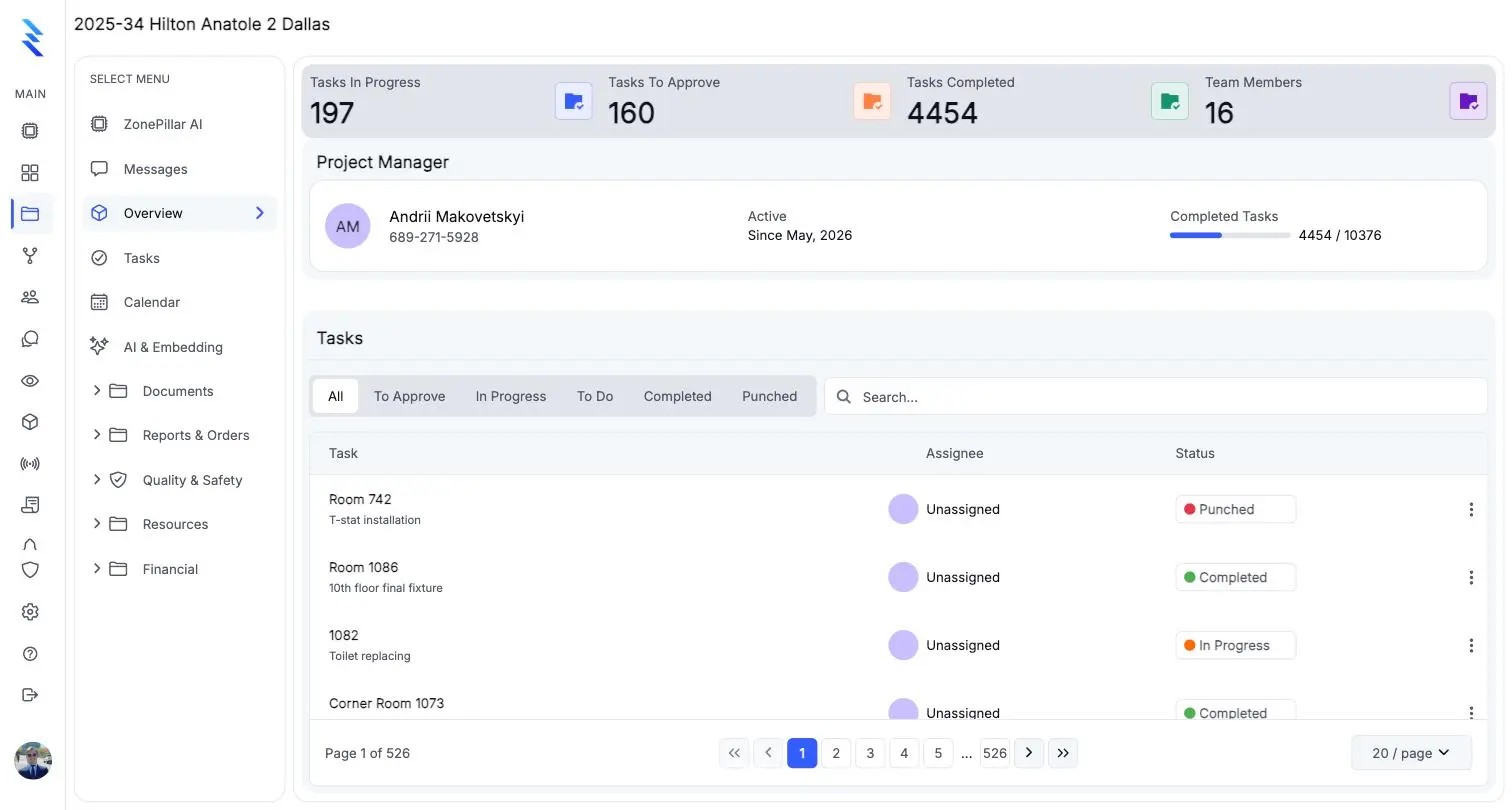
A project overview with task counts, the project manager and the task list

From timecard to payroll

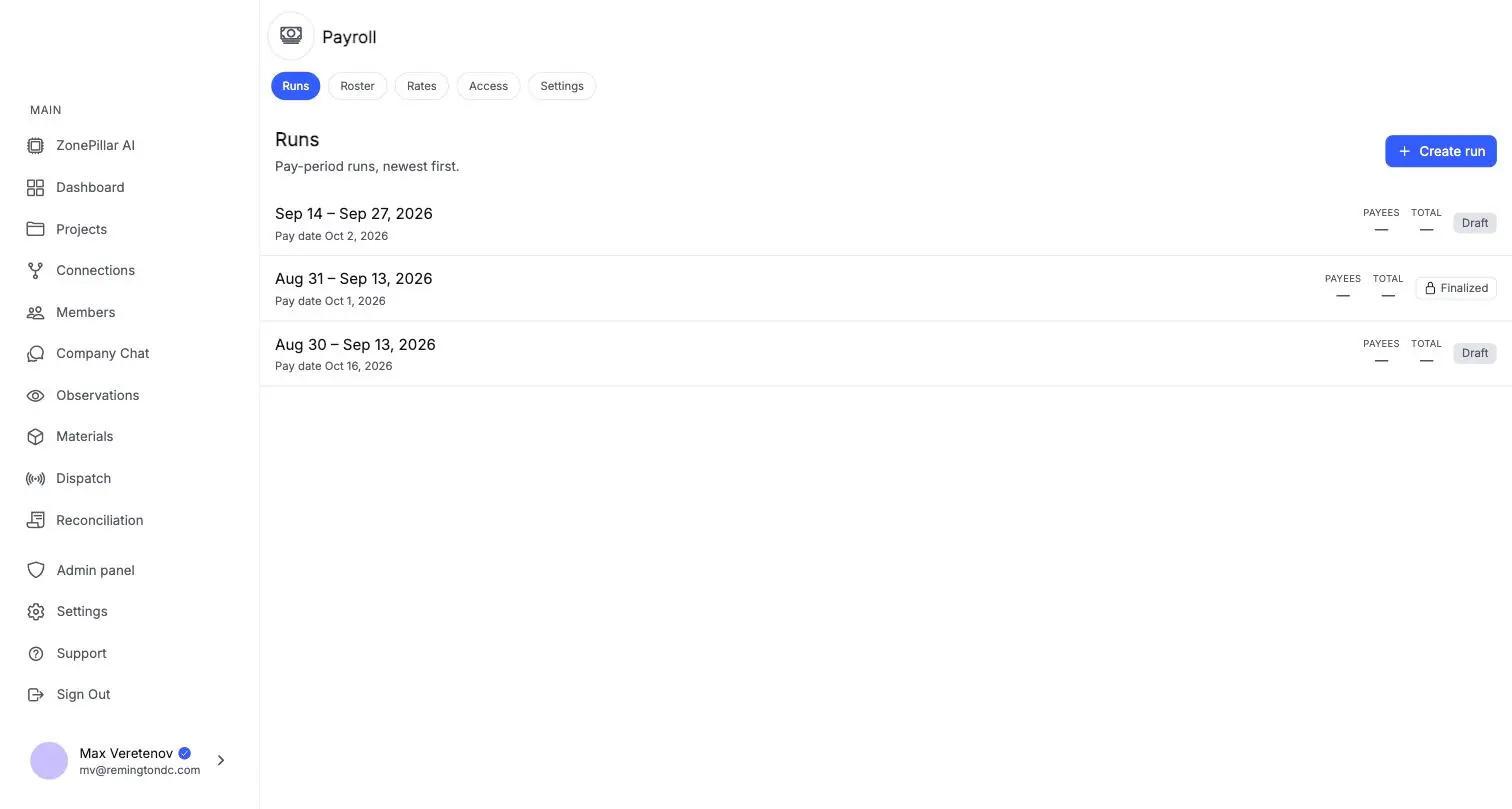
Review timecards by pay period, then build the pay run from the same hours.

  • Add or correct entries and set your pay cycle
  • Rates by person and project, and a job-cost journal for accounting
  • Payroll connection to your ADP account
Pay runs by pay period with draft and finalized states

See it on one of your own projects.

Bring a job you know well, its drawings, its crew and its paperwork, and see it in ZonePillar.

Decorative grid background

Ready to Transform Your Construction Management?

Book a walkthrough with our team. We set up your first project with you and train your crew to run it.

Copyright © 2026 ZonePillar, All Rights Reserved