A Fieldwire alternative

Comparing Fieldwire? Tasks and drawings, plus time, costs and billing.

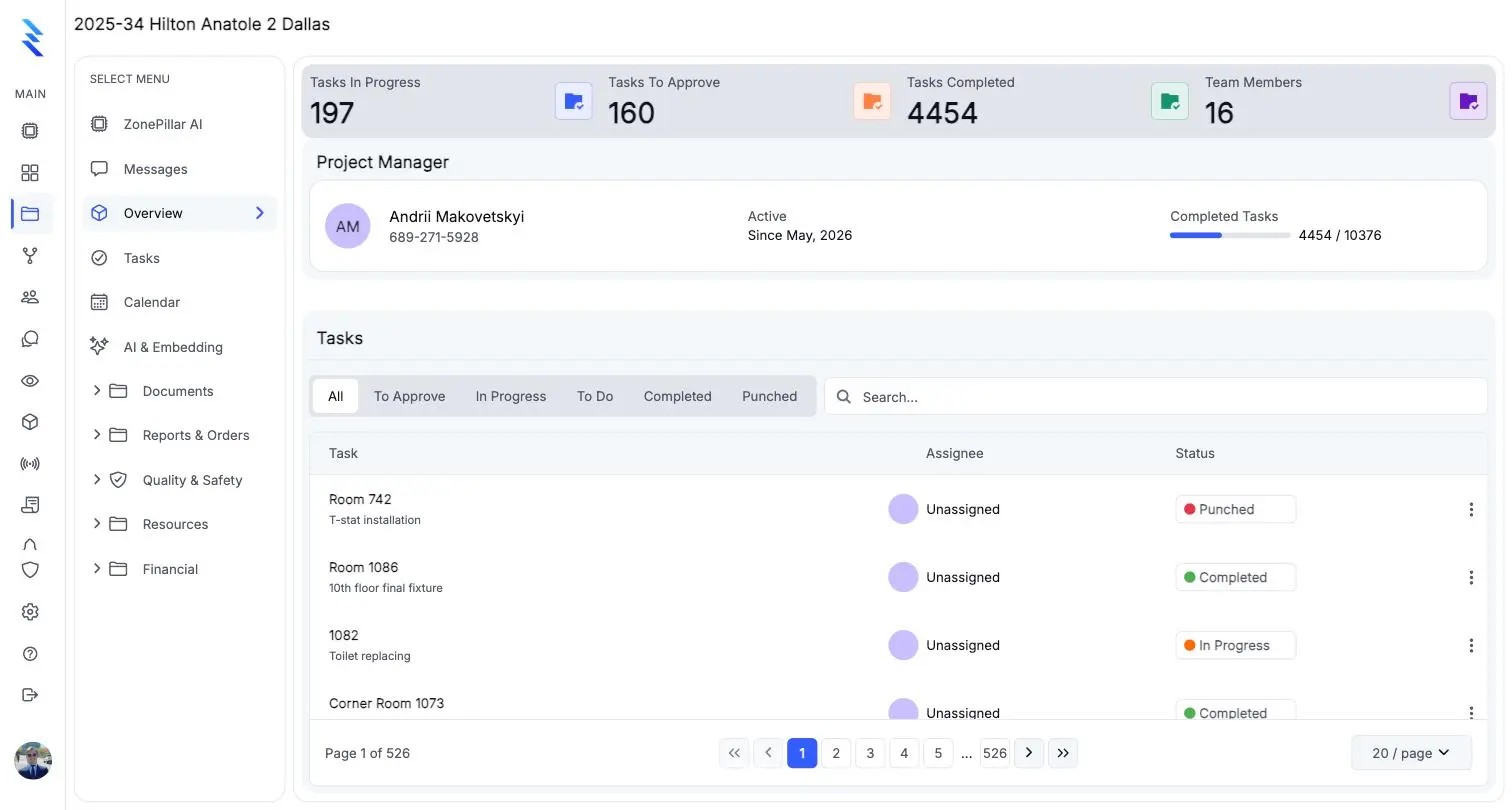
Fieldwire and ZonePillar both put tasks and drawings in front of the crew. ZonePillar adds the time clock, payroll, change orders and pay applications to the same project.

A Fieldwire alternative

Questions to ask any vendor, including us

Check these against your own jobs before you move. ZonePillar's answer to each is yes.

  • Can a markup on the drawing show the status of the tasks it covers?
  • Does the field app keep working with no signal, and show what is waiting to sync?
  • Do the crew's hours become the pay run without retyping?
  • Do approved change orders flow into the pay application?
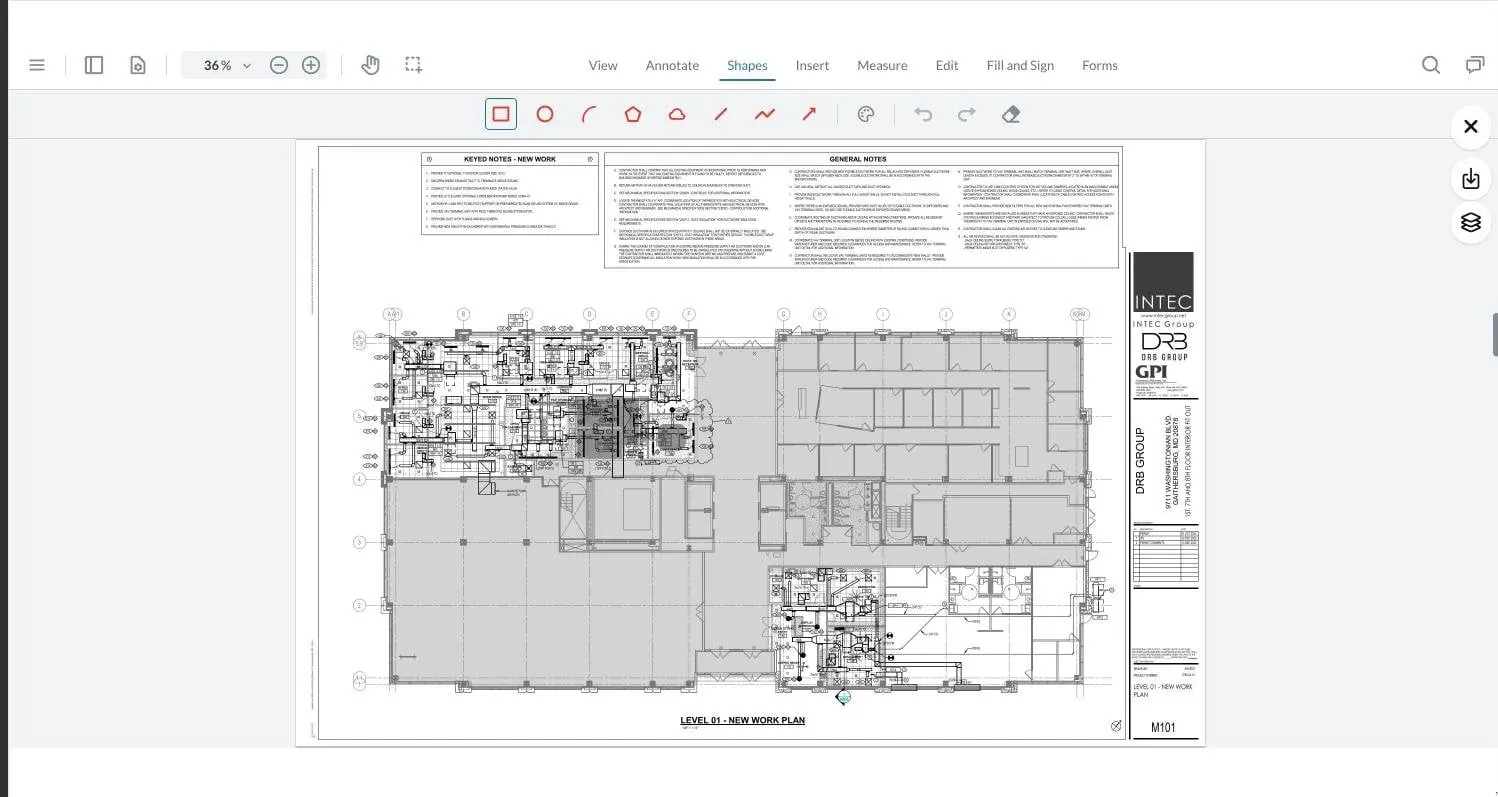
A mechanical floor plan open in the drawing viewer with markup tools

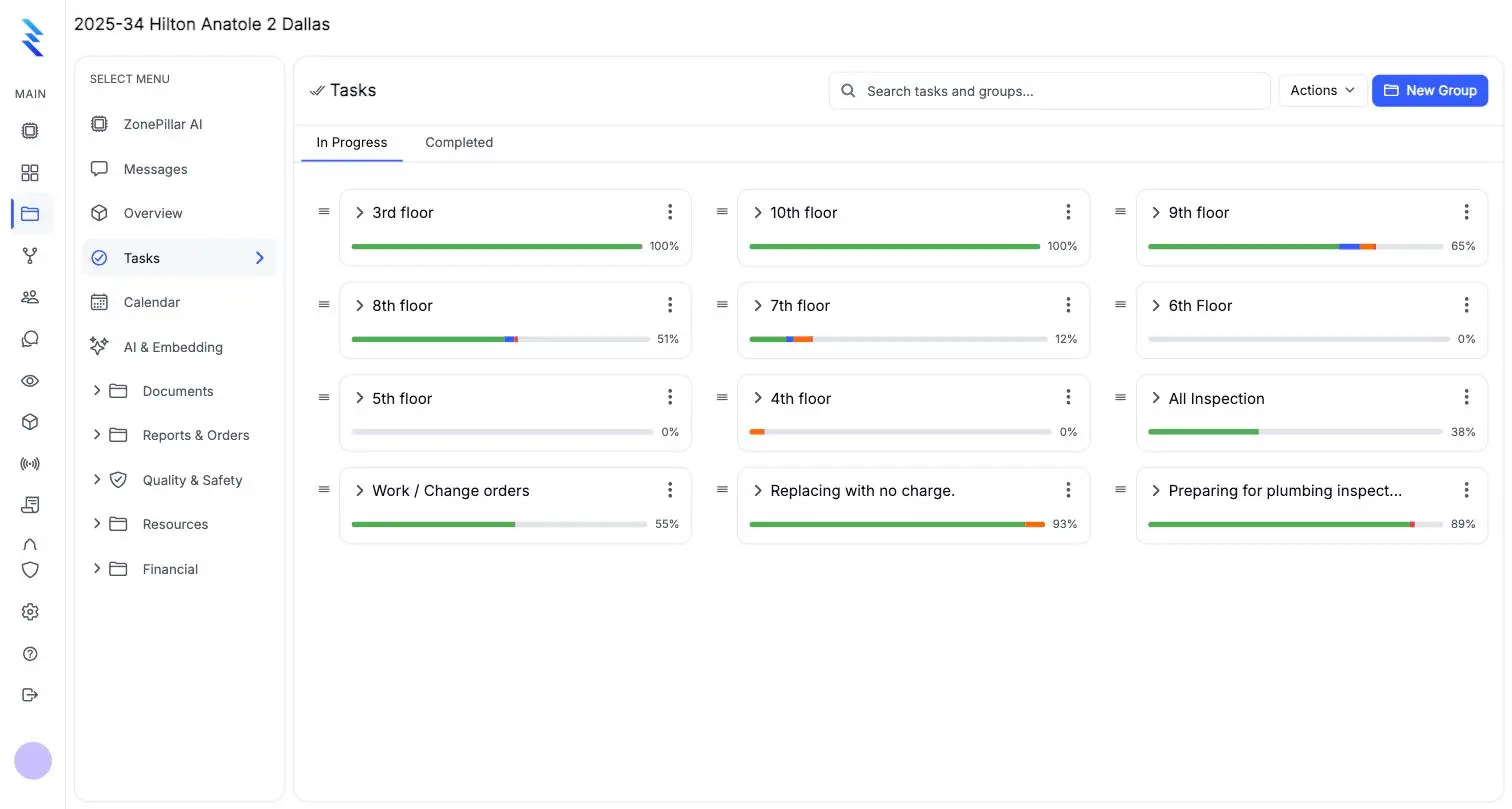
Task trees by floor, room or area

Build the job the way it is laid out, by floor, room or area, and see progress at a glance.

  • Proof-of-work photos before a task counts as done
  • Tasks readable in Spanish or Russian
  • Daily reports with weather, crew, work, equipment and deliveries
Task groups by floor with progress bars

Documents ready to send

Every record prints as a branded PDF with its attachments.

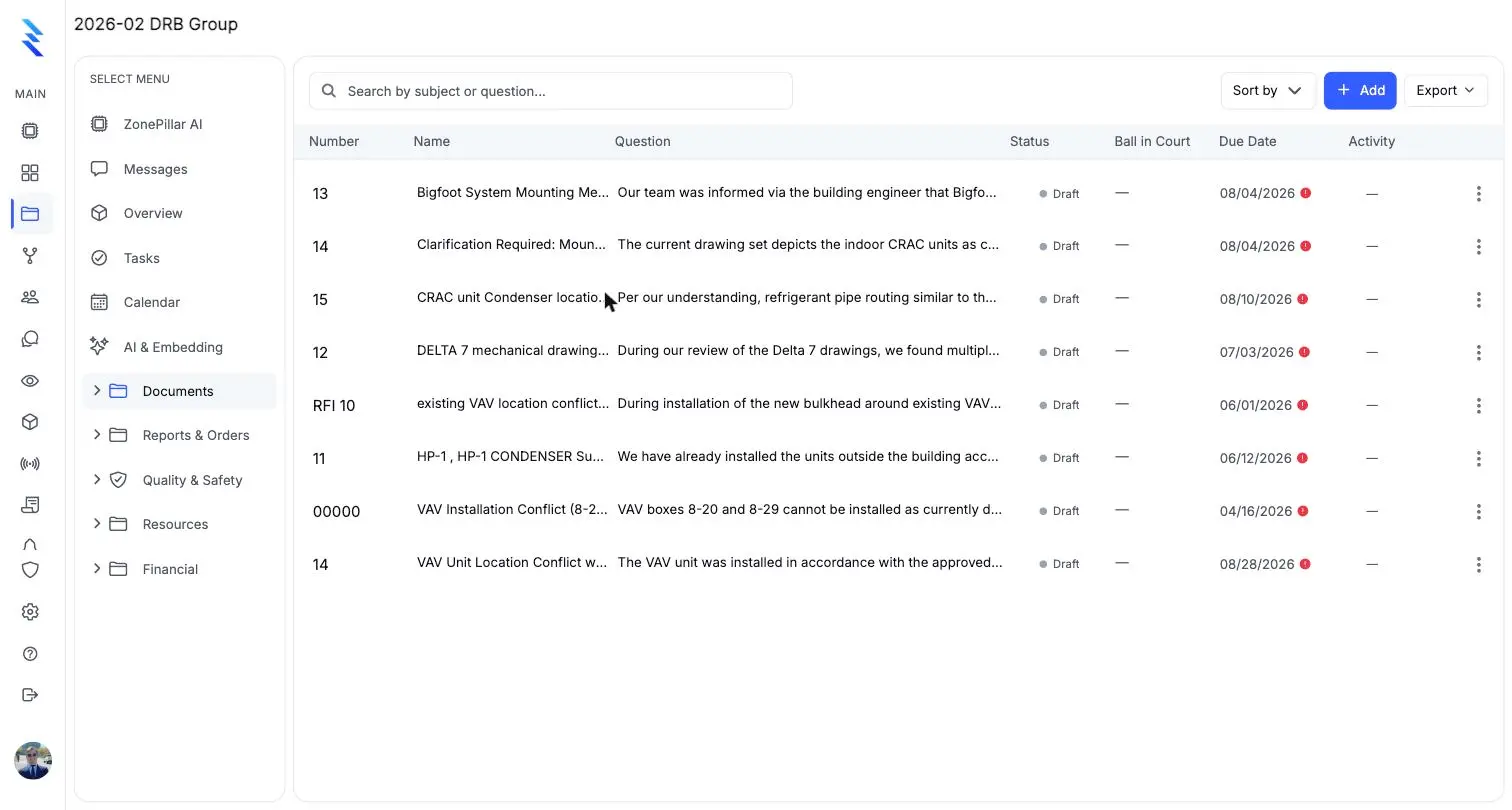
  • RFIs, submittals, change orders, work orders and purchase orders
  • Export RFI and submittal logs as PDF, Excel or CSV
  • Share an RFI by secure link so outside parties can reply without an account
The RFI register with numbers, questions, status, ball in court and due dates

See it on one of your own projects.

Bring a job you know well, its drawings, its crew and its paperwork, and see it in ZonePillar.

Ready to Transform Your Construction Management?

Book a walkthrough with our team. We set up your first project with you and train your crew to run it.

Copyright © 2026 ZonePillar, All Rights Reserved