- How does drawing revision comparison work?
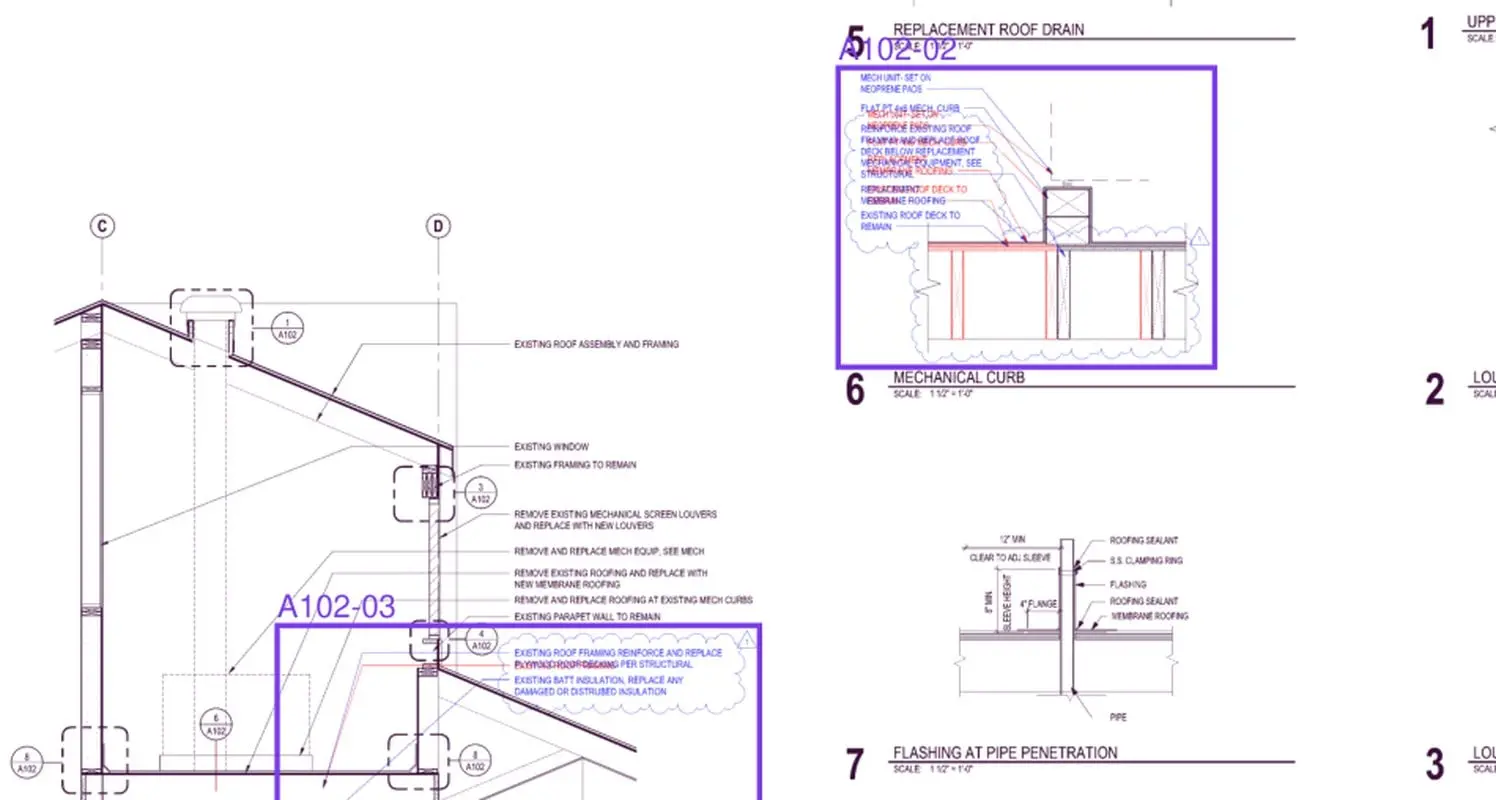
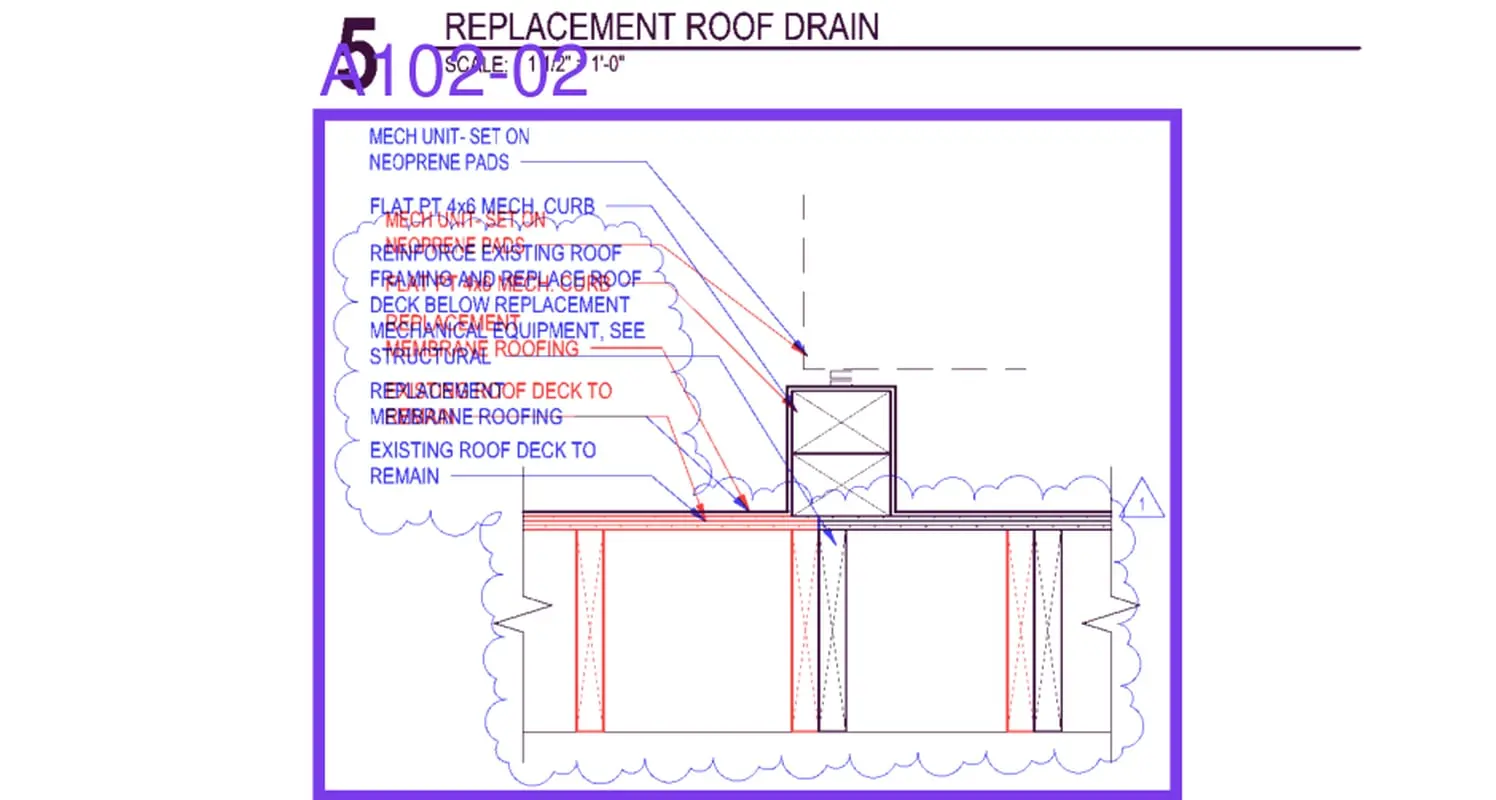
- When a new revision is posted to a plan, ZonePillar pairs each sheet with its earlier version by sheet number and overlays them: red is what the earlier revision had, blue is what the new one added, and what did not move stays dark. Each change is outlined and listed with a short explanation.
- What is a Not disclosed change?
- A sheet that changed without a new revision entry in its title block. ZonePillar flags these so a change nobody clouded or listed does not slip through to the field.
- What does a plan check find?
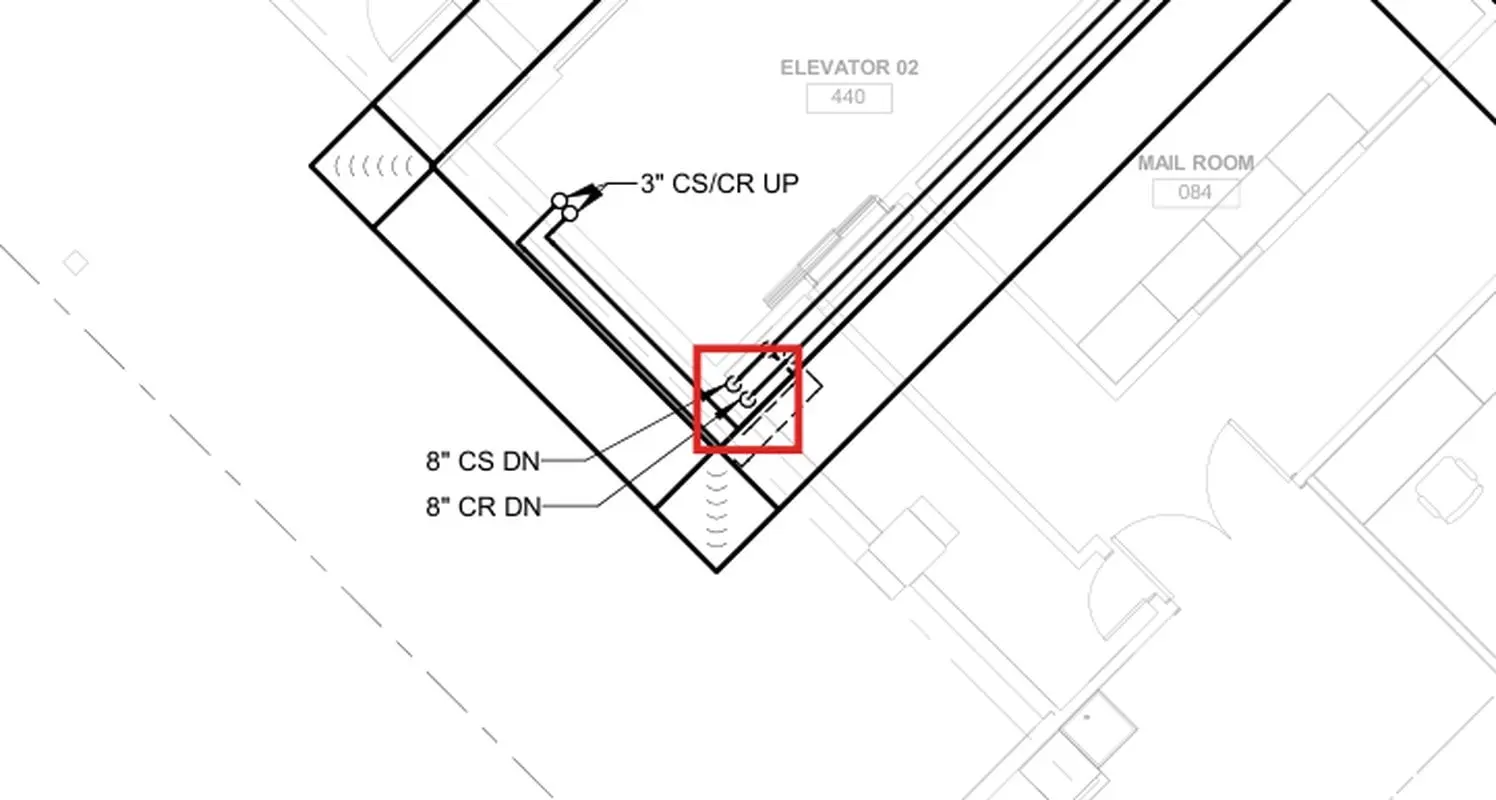
- A plan check reads the drawings you choose together and looks for errors: equipment that does not match its schedule, sizes that do not add up, notes that contradict each other. Each finding is outlined on the drawing, red for an error and amber for something to check.
- Can it write the RFI?
- Yes. Draft RFI on any change or finding opens a new RFI already filled in with the sheet, the issue and a question. You review the text and save it like any other RFI.
- How do I know where on the plan an answer came from?
- When ZonePillar AI answers from a drawing, its link opens the sheet with a box around the exact spot the information came from, so anyone can check it against the drawing.
- How is Plan Review billed?
- Plan Review uses AI and is paid for in ZP tokens. You are charged what a run actually used, you can cap a plan check's spend before it starts, and a run that fails on our side costs nothing.