ZonePillar for concrete contractors

Concrete project tracking your foreman will actually update.

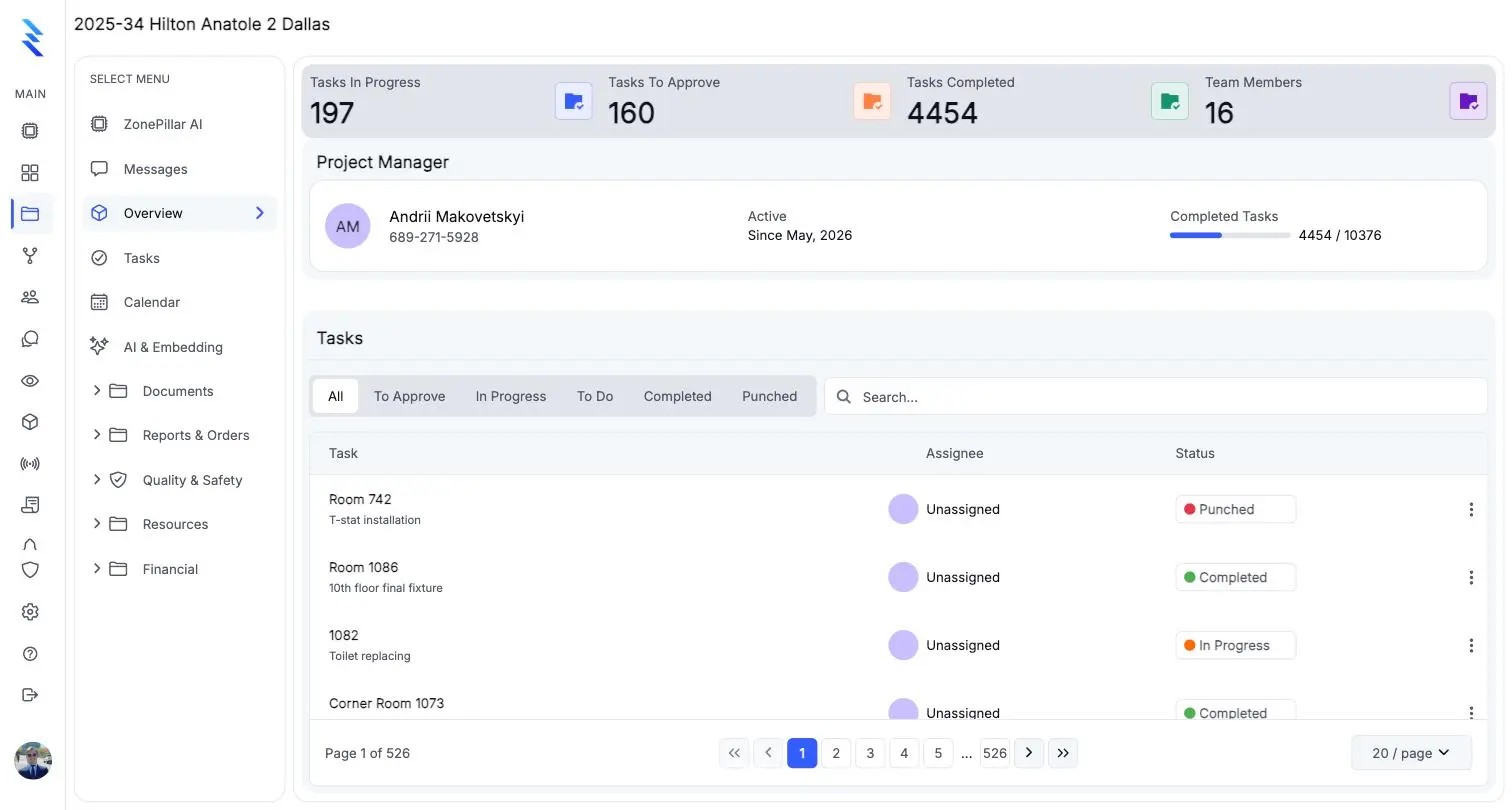
Track footings, walls, decks and slabs as tasks by area; log weather, crew, equipment, deliveries and safety notes in one daily report; and keep change orders and pay applications on the same project.

ZonePillar for concrete contractors

Organize the job by area and pour

Footings, walls, decks and slabs as tasks by area or level, with dates you drag on a Gantt chart when a pour moves.

  • Task trees by area, level or pour
  • A Gantt chart with drag-to-reschedule
  • Your own task fields, such as mix or strength
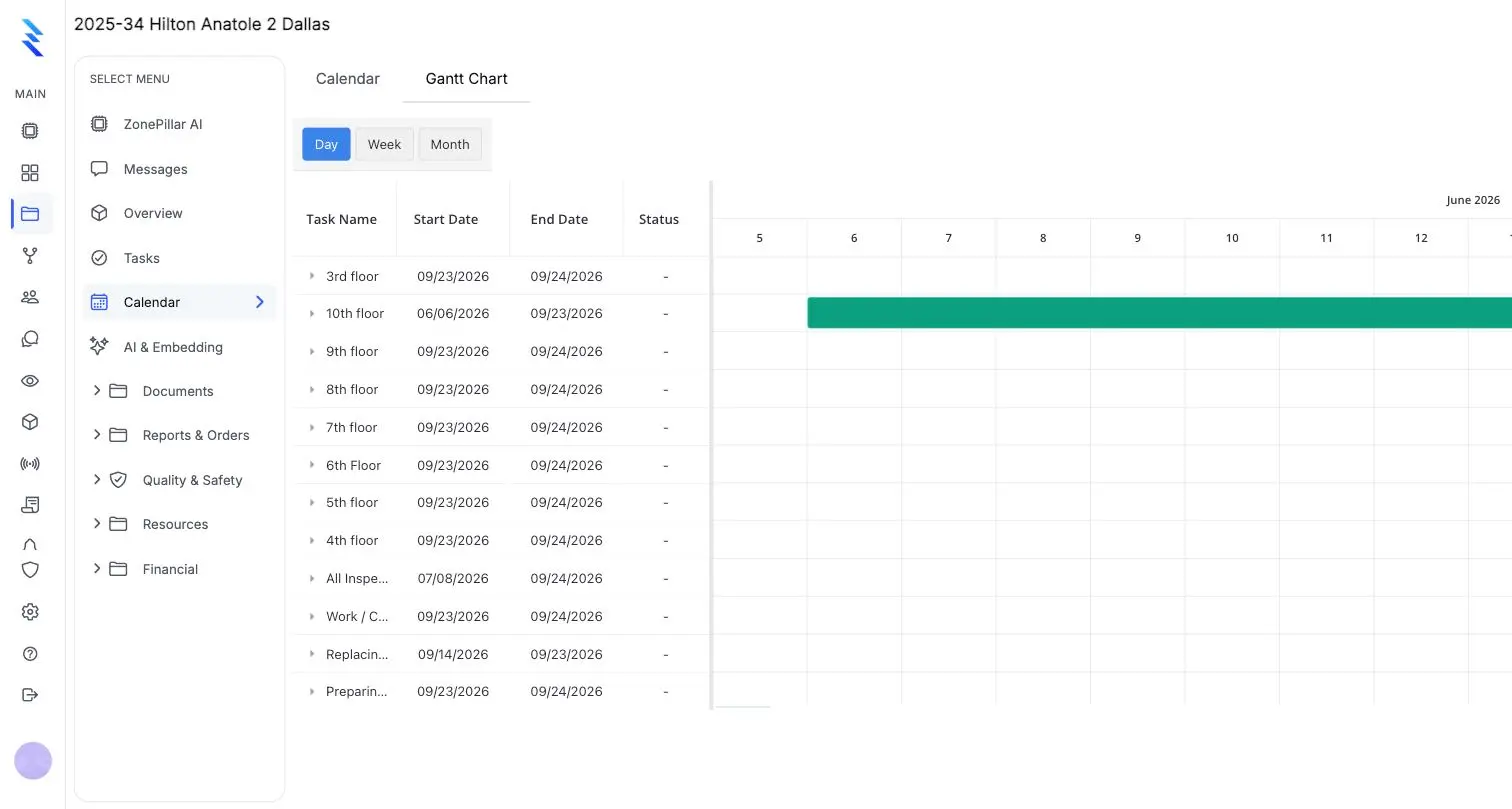
The project calendar in Gantt view

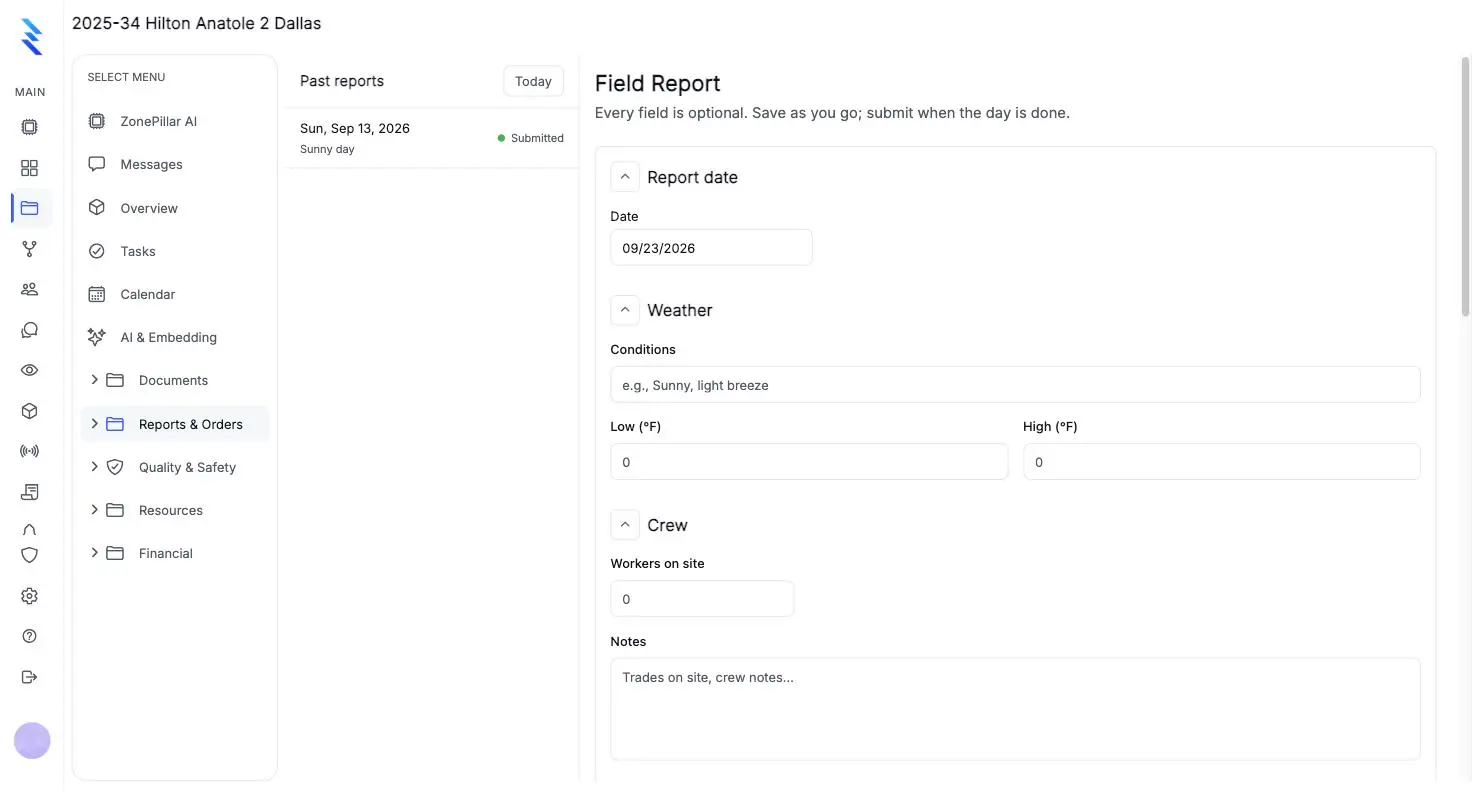
One daily report, locked when submitted

The foreman fills it from the field; the office sends a date range to the GC as a PDF.

  • Weather, crew, work performed, equipment, deliveries and safety notes
  • Photos from the field
  • Send a date range as a PDF to your GC
A field report form with date, weather and crew sections

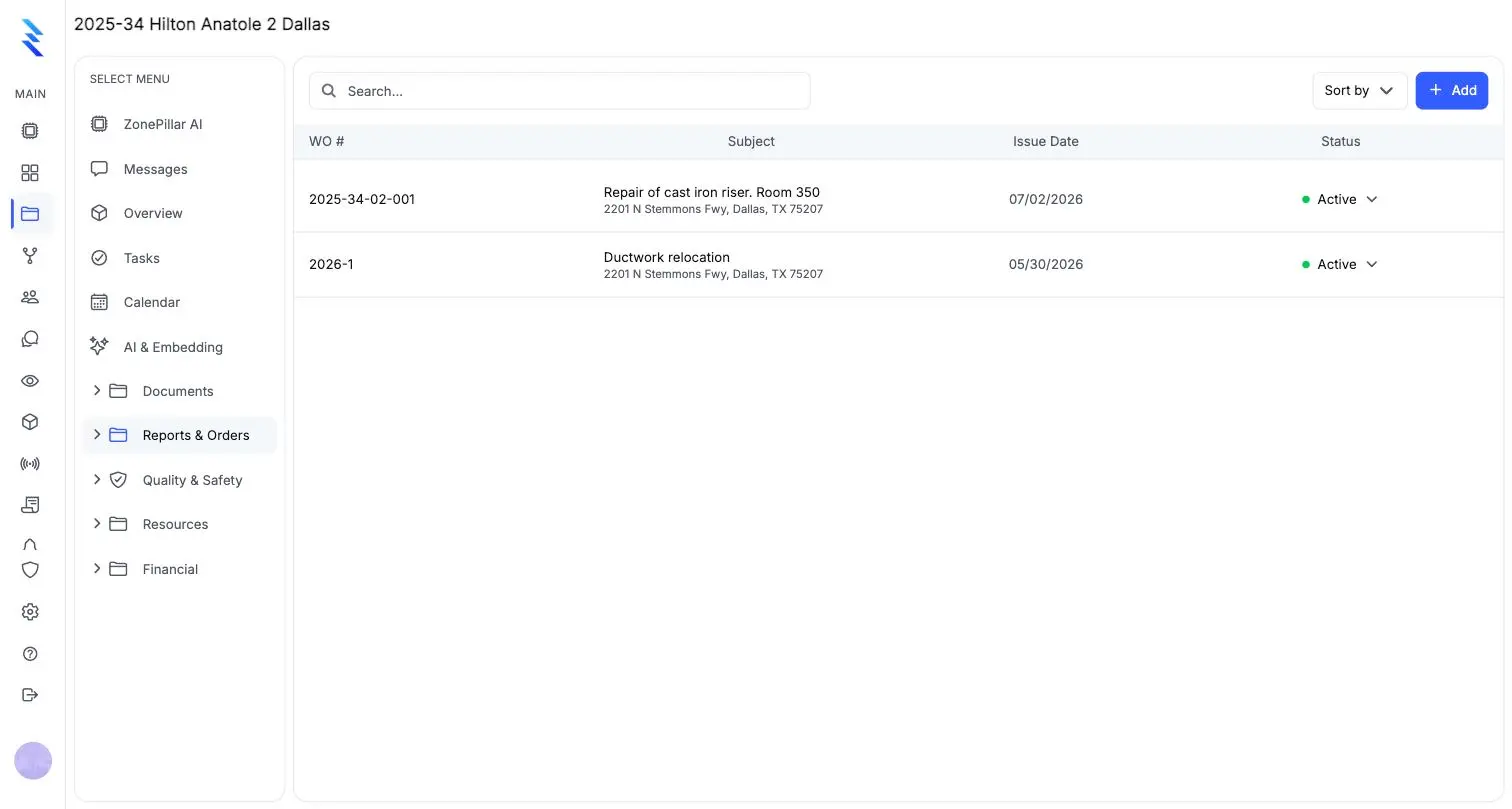
Signed extra work becomes billed work

Get the signature on site before the price, then price it as a change order that lands in the pay application.

  • Work orders without prices, signed on site
  • A signed work order becomes a draft change order
  • Change orders flow into your G702/G703 pay application
A work order list

See it on one of your own projects.

Bring a job you know well, its drawings, its crew and its paperwork, and see it in ZonePillar.

Decorative grid background

Ready to Transform Your Construction Management?

Book a walkthrough with our team. We set up your first project with you and train your crew to run it.

Copyright © 2026 ZonePillar, All Rights Reserved